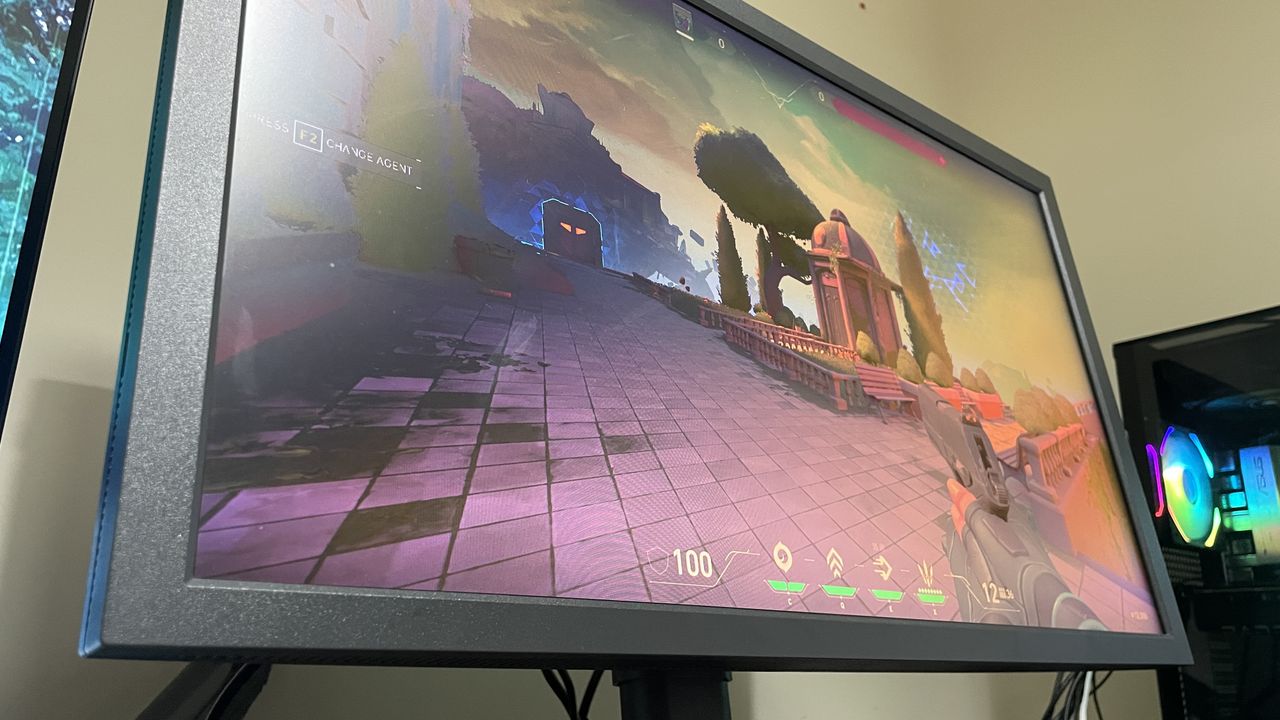
After gaming on pro-level panels I can tell you now that 360 Hz is the sweet spot for gaming monitors
This week I've been immersed in latency testing a 320 Hz monitor, climbing up CS2 Premier ranks, and diving into information theory. If you've been around the gaming scene for a while, you might recall the belief that your eyes can't perceive anything beyond 60 fps. That was a common sentiment among console gamers who watched PC gaming evolve. However, the reality of using 120 Hz or 144 Hz monitors quickly dispelled that myth.
For a long time, I stuck to 144 Hz monitors after getting my hands on one back in 2014. It felt like I had accepted that 144 Hz was the upper limit, or at the very least, that diminishing returns would set in soon after. But I was wrong. For competitive FPS gaming, ultra-high refresh rates offer significant benefits that far surpass the performance of 144 Hz or 165 Hz monitors.
There's truth to the idea that increasing your refresh rate has diminishing returns, but these effects aren't as drastic or quick as many people believe. Based on my experience, 360 Hz seems to be the sweet spot before real diminishing returns begin to show. This conclusion came from testing the Zowie XL2586X+ — a monitor favored by many tactical FPS esports professionals.
Zowie monitors are popular in the esports community for several reasons. One is that they are commonly used in major tournaments, making them a logical choice for practice. Additionally, these monitors feature ultra-high refresh rates, tailored panels for popular esports titles, and DyAc 2 anti-blur technology. While DyAc 2 and optimized panels give Zowie an edge, I've found that a high refresh rate is the most crucial factor for competitive gaming.
This means there are more options available beyond Zowie monitors with DyAc 2. For instance, the Alienware AW2525HM, priced at $250, offers a 320 Hz refresh rate, which is impressive for the value it provides.
The question then becomes: what refresh rate do you need? One answer is to go as high as you can afford. Another is to aim for 240 Hz, as that's commonly used by professionals. However, the reality is more nuanced.
Through extensive testing with both a 600 Hz Zowie and a 320 Hz Alienware monitor, I found that moving from 144 Hz to 240 Hz made a noticeable difference in gameplay experience and performance. The jump from 240 Hz to 320/360 Hz also provided a significant improvement in the gaming experience, though it didn't necessarily translate to better performance from me.
Going beyond 320/360 Hz, such as to 600 Hz, felt slightly better, but the improvement wasn't as dramatic as moving from 144 Hz to 240 Hz, nor did it lead to better gameplay from me.
I also used the Nvidia Latency and Display Analysis Tool (LDAT) to test real-world response times — the end-to-end latency between clicking and seeing the on-screen effect. The results showed minimal differences between the tested monitors, which are likely within the margin of error.
Here are the end-to-end latency results:
- 144 Hz: 7.5 ms
- 240 Hz: 7 ms
- 360 Hz: 7.38 ms
- 600 Hz: 6.81 ms
These differences are very small and may not be perceptible in actual gameplay. Another factor that influenced latency was whether the frame rate was capped or uncapped. Testing on the Alienware monitor, I found that uncapping the frame rate had a more definite effect on latency, though the difference was still minor.
The results are consistent whether VRR (FreeSync Premium) was enabled or disabled. VRR only activates when frame rates are below your monitor's refresh rate, but even with frame rates capped, it didn't change the latency measurements.
In summary, if your system can handle it, uncapping your frame rate is better for minimizing latency. However, the differences in latency between various refresh rates are often negligible in real gameplay situations.
Ultimately, based on my testing and personal experience, 360 Hz seems to be the optimal refresh rate for competitive FPS gaming, offering a significant improvement over 144 Hz and 240 Hz, without the diminishing returns seen at higher refresh rates.