The promise of DisplayPort 2.1 is massive bandwidth, enabling ultra-high resolutions and refresh rates without relying on image compression. However, new testing reveals a significant catch: the standard is incredibly sensitive to the quality of your connection. If you are planning a high-end build, you need to be aware that DisplayPort 2.1 is very picky about the monitor cable you're using.
According to a recent investigation by Monitors Unboxed, pairing a DisplayPort 2.1 GPU with a compatible monitor does not guarantee a full-speed connection. In many scenarios, the system will silently downgrade its performance, forcing the use of Display Stream Compression (DSC) even when your hardware is capable of native uncompressed signals.
The Bandwidth Bottleneck and DSC Reliance
The primary advantage of DisplayPort 2.1 is its ability to handle massive resolutions, refresh rates, and color depths without needing compression. While DSC is designed to be visually lossless, it remains a point of contention for enthusiasts who want pure signal integrity.
Using DSC can lead to several documented issues, including:
- Black screen errors when paired with certain Nvidia GPUs.
- A loss of DLDSR (Dynamic Level Downsampling Super Resolution) functionality.
- Ongoing debates regarding long-term image fidelity.
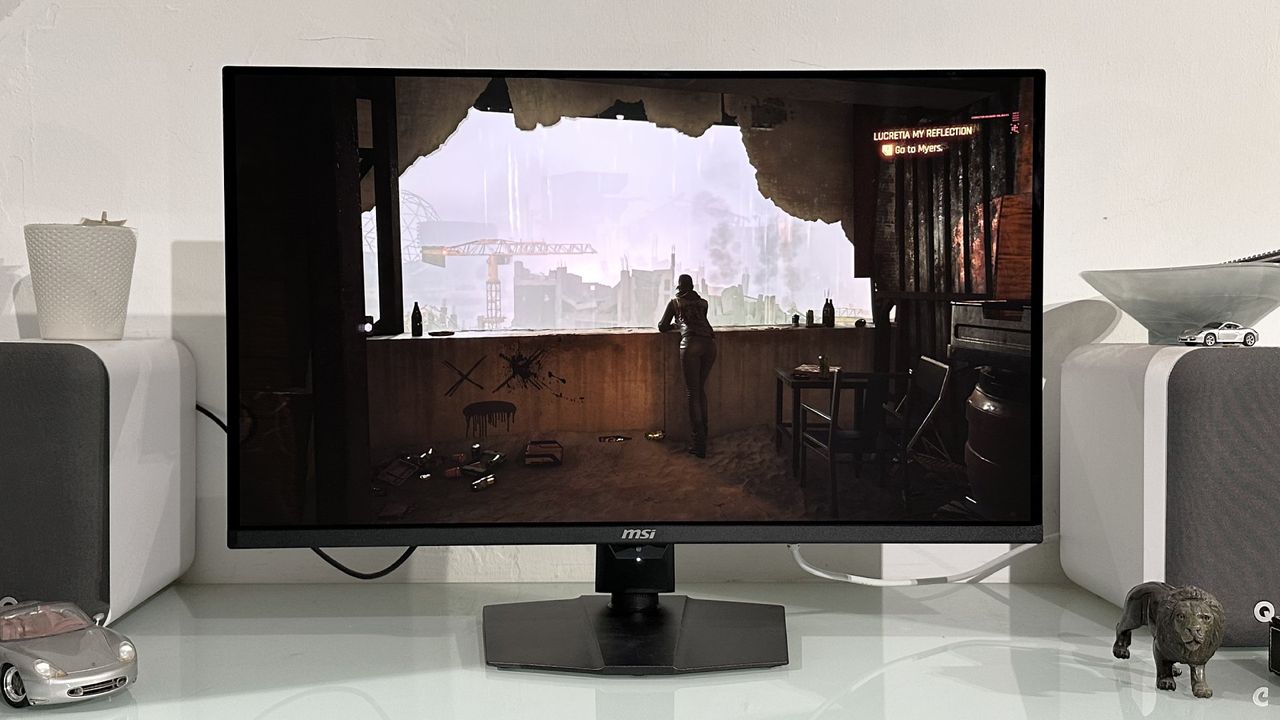
Monitors Unboxed demonstrated these pitfalls using an Asus QD-OLED monitor and an Nvidia RTX 5090 GPU. To drive the display at its native 4K 240 Hz with full 10-bit color, the system requires a staggering 68.6 Gbps of bandwidth. When the test team used the short DP80 cable supplied by Asus, the link held firm at the full UHBR20 rate.
Why Your Monitor Cable Matters for DisplayPort 2.1
The stability of your connection changes dramatically depending on the cable in use. During testing, when the bundled DP80 cable was swapped for longer or lower-quality variants, the results were telling.
While the monitor continued to display the signal, a deep inspection revealed that the link speed had plummeted. The connection fell back to 10 Gbps per channel, resulting in a total throughput of only 40 Gbps. Because this bandwidth is insufficient for uncompressed 4K 240 Hz 10-bit color, the system automatically enables DSC to maintain the signal.
If you attempt to manually disable DSC while using one of these inferior cables, the monitor typically suffers even more. The system may drop to 4:2:2 chroma subsampling and limit the refresh rate to 144 Hz, effectively negating the benefits of your high-end hardware.
Ensuring Full Performance with DP80 Cables
To achieve the full 80 Gbps bandwidth capability that defines this standard, users must adhere to strict cabling requirements. Having DisplayPort 2.1 ports on both your GPU and monitor is only half the battle; the real requirement is a DP2.1-certified cable, often branded as "DP80."
Keep these hardware limitations in mind:
- The "80" designation signifies the cable can handle 80 Gbps of bandwidth.
- Passive DP 2.1 cables are currently limited to a maximum length of two meters.
- Many bundled cables are even shorter to ensure stability.
With AMD RDNA 3 and RDNA 4, Nvidia RTX 50 series, and Intel Arc B500 series GPUs all supporting the standard, the hardware is ready for the next generation of gaming. However, without a certified DP80 cable, your high-end rig may be silently compromising its performance. To guarantee uncompressed results, check the official DisplayPort.org database to verify your cable's certification.