I Spent an Entire Day with a Fan-Mod of North Korea's Homegrown Operating System, and I'm Sorry to Say It's Not a Windows Killer Yet
If you've never endured a corporate cybersecurity training session, here's the gist: every USB stick is a gift from god. If you find one, errant in the street, it's your solemn duty to slam that thing into the nearest available port with such enthusiasm it fractures your wrist. If that USB stick is labelled "From North Korea"? Even moreso, probably. It's travelled a ways to get here.
I have been playing with RedStar OS 3.0, a homegrown national Linux distro of the Democratic People's Republic of Korea (though plenty of machines in the country stick to various versions of Windows). In what security experts are calling "A really good idea, Josh," I have been tinkering with it in a virtual machine—or several—on my PC. It's all very normal and fine and not worth bothering the IT department about.
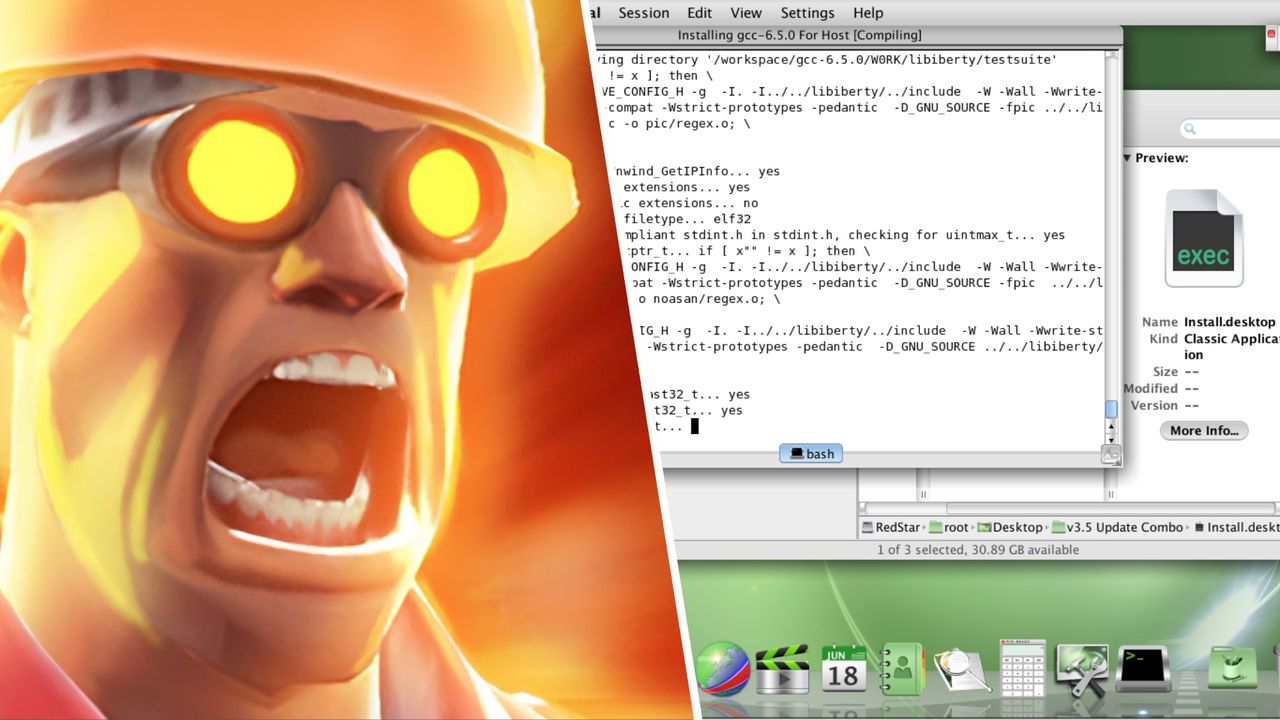
You might be thinking, "Haven't you done this before?" in which case I salute your memory. Yes, I have mucked about with RedStar OS, all the way back in December 2022, when I investigated which pariah state OS is best for gaming. What led me back? Two things. The first, I am not running vanilla RedStar OS this time. I'm running RedStar OS 3.5 (or trying to—more on that later), a, uh, fan mod of base RedStar that claims to hack out the spyware, more easily switches the OS to root, quickly turns most of the GUI English, and—notionally—adds "a new 64bit kernel, new compiler, new 64bit libraries, and a lot more."
Which is quite a big deal, really; RedStar 3.0 is long in the tooth. It's based on Fedora 15 (for reference, Fedora's most recent release is 44) from 2011, and in its default mode runs using a 2.6 version of the Linux kernel. RedStar 3.5 promises to cram a 5.something kernel in there, alongside various other more recent gubbins, which I thought might ease the process of playing games on the thing. Or, indeed, using it.
Which leads me to my second reason to return to RedStar: I know what all that means, now. When I first touched RedStar back in 2022, Linux was mostly a mystery to me. Now? I'm a loyal openSUSE Tumbleweed user, familiar with at least the basics of running a Linux system. I felt that these two factors, combined, would make my return to RedStar OS much, much smoother sailing than it was four years ago.
A Horrible Nightmare from Which There Is No Escape
The first riddle with which RedStar OS presents you is running it. Back in 2022, this was agony—a process of booting and rebooting a virtual machine until it inexplicably didn't crash at launch. This time? A little easier. Installation proceeded smoothly using Virtual Machine Manager. Alarmingly easy, really. The VM booted from the .iso, the installer ran fine—presenting me with three possible timezones to choose from in the DPRK, Japan, or Russia—and the VM seamlessly rebooted into a full RedStar OS session. Briefly.
Issue one: I could not login. I really wanted to login. I'd set up a user account during the install process and everything. But during the boot process RedStar would, invariably, crash as soon as it got to its login manager, glitching out into a green/blue mess that did little except remind me of the proud nation of Sierra Leone.
But it's fine, right? I'm a Linux guy now. If the GUI login manager was crashing, I knew I could probably force the machine to kick me to the tty—the purest form of the command line, completely free of modern graphical nonsense—by holding Shift, Alt, and randomly pawing at function keys.
This… worked? This worked! RedStar booted me to the CLI like it had never even heard of a graphical user interface. Then, uh… then what? What was the plan from there, Josh?
It wasn't completely stupid. My original plan was to login via the tty then get back into the graphical desktop environment—basically taking a detour around the suicidal login manager—using the 'startx' command. Except that didn't work. Startx told me in no uncertain terms that I could sod off with that sort of low trickery, leaving me logged in but graphics-less.
This was a problem because I was not, at this point, actually using RedStar OS's modified version. The modifications that hack out the spyware run after you successfully login the first time, meaning I was A) not even as far as I managed to get back in 2022 and B) potentially faxing the entire contents of my SSD to an office in Pyongyang.
RedStar OS has a documented feature of rapaciously watermarking media files that are in any way exposed to it—documents, images, audio and the like. The reason for this, presumably, is to easily trace media within the DPRK itself. If someone has media they shouldn't have, you can trace it to the machine that originally produced it, and possibly any other machines it touched along the way.
Which, hey, my computer already has the eyes of my own government and probably yours (if you are from the US) on it, so the notion of the Kim family knowing I have an .mkv of War and Peace in my Downloads folder doesn't concern me overmuch. Maybe you can put so much spyware on your machine that they all get in each other's way, like the diseases in Mr Burns' body.
But it didn't thrill me, either, and I was anyway eager to see what a modified RedStar ran like, regardless of whether the unmodified version was stitching a Josh Wolens nametag into my Steam version of Cyberpunk 2077.