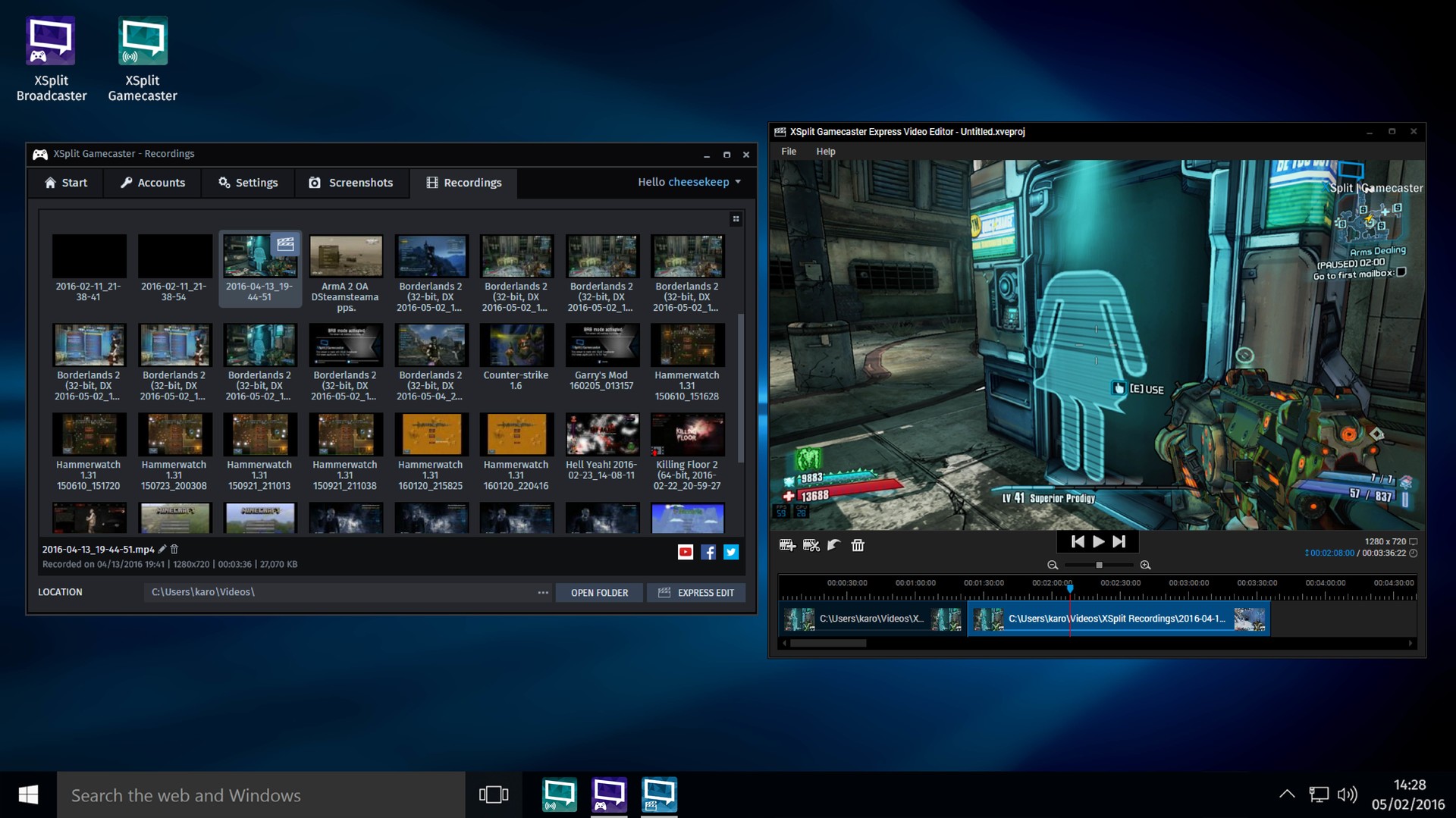
XSplit represents a specialized broadcasting solution designed specifically for the PC platform, originally released on June 20, 2016. While often categorized within the broader video game ecosystem due to its primary function, it operates as a dedicated broadcasting application rather than a traditional playable title. This software empowers content creators to capture, mix, and transmit gameplay footage directly to online audiences. By bridging the gap between raw gameplay and professional presentation, XSplit has established itself as a foundational tool for independent broadcasters looking to share their digital experiences.
What is XSplit and How Does It Work?
Functioning as a comprehensive audio and video mixing suite, XSplit provides the technical framework needed to transform raw gameplay into polished broadcasts. The application operates by capturing screen activity, encoding video data in real-time, and routing the output to popular streaming destinations. Users can navigate between different operational modes, primarily XSplit Broadcaster for full production control and XSplit Gamecaster for simplified, one-click capture. The interface is designed to be accessible, allowing users to manage multiple camera angles, audio tracks, and on-screen graphics without requiring advanced technical training.
The Digital Environment and Streaming Setup
Rather than a traditional narrative journey, XSplit establishes a dynamic digital environment where creators construct their own broadcasting stages. The software provides a virtual workspace where users can layer webcam feeds, apply chroma key background removal, and arrange custom overlays. This setting allows broadcasters to control the visual atmosphere of their streams, ensuring that every element from chat integration to follower alerts aligns with their personal brand. The digital stage is highly customizable, enabling creators to transition between gameplay capture and direct-to-camera commentary seamlessly.
Platform Availability and System Requirements
XSplit is exclusively available for the PC platform, with distribution primarily handled through digital storefronts like Steam. To ensure smooth encoding and broadcasting, the software recommends a minimum of a quad-core processor, 16GB of RAM, and a dedicated graphics card. These hardware specifications help prevent lag or pixelation during live transmissions. The application supports both free and premium licensing tiers, allowing users to upgrade their capabilities as their channel grows.
Notable Features of XSplit
The application offers a robust suite of tools tailored for content creation:
- Real-Time Broadcasting: Enables immediate transmission with minimal delay, allowing audiences to interact with the broadcaster instantly.
- Flexible Resolution Options: Free licenses support 720p at 30fps or 1080p and above with a subtle watermark, while premium tiers unlock full quality settings.
- Audio and Video Mixing: Provides professional-grade controls for balancing microphone input, game audio, and system sounds.
- Chroma Key Support: Allows creators to replace their webcam background with custom images or green screen setups.
- Continuous Updates: Receives ongoing feature additions and technical improvements at no extra cost for license holders.
Who Should Use XSplit?
This software appeals to aspiring streamers, established content creators, and gaming enthusiasts who wish to share their gameplay with a wider community. Beginners benefit from the intuitive Gamecaster mode and extensive tutorial library, while experienced broadcasters utilize the advanced mixing capabilities to refine their production value. The platform is particularly suited for those streaming to major services like Twitch or YouTube, as it simplifies the technical aspects of content creation. While some users note that premium licensing and commercial use carry higher costs, the software remains a valuable option for individuals seeking a dedicated, reliable tool for video game broadcasting.