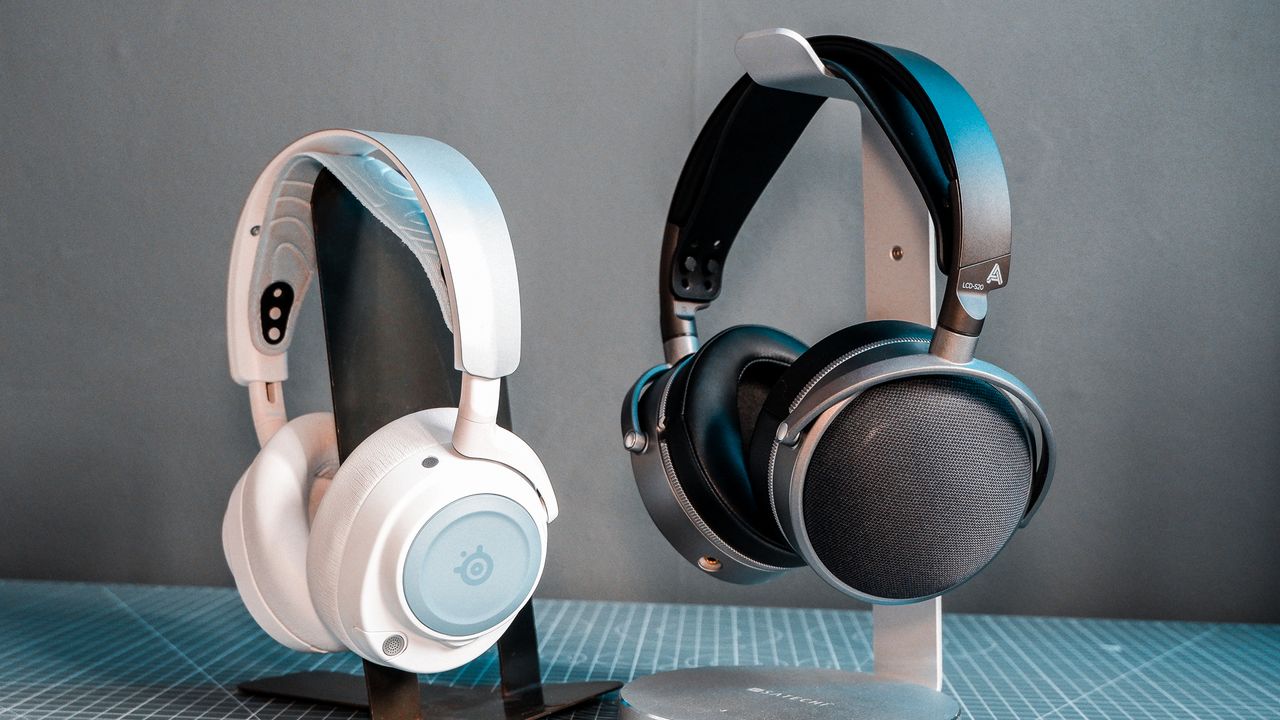
Microsoft Brings Shared Audio to Windows 11 with Latest Update
With the latest Windows 11 update, codenamed KB5089573, Microsoft has taken a step forward in aligning its operating system with modern audio-sharing capabilities. The feature in question is Shared Audio, a Bluetooth functionality that has been in development for some time and is now being rolled out to all users. This means that if your hardware supports it, you can now cast audio to multiple devices simultaneously — a feature that has long been available on mobile devices.
The update marks a significant shift for Windows users who previously couldn't share the same audio stream across two Bluetooth devices. If you had a PC from a select list of models or used a beta version of Windows, you might have already experienced the feature. But for the majority of users, the Shared Audio option was only accessible through the preview last year.
Now, with the full release of this feature, every Windows 11 user can take advantage of it — assuming their system meets the necessary requirements. While Microsoft is known for its slow rollout of updates, the latest patch brings this long-awaited functionality closer to being universally available.
How to Use Shared Audio on Windows 11
To use Shared Audio, your PC must be running Windows 11 v26200.8524 or later. Additionally, it must support Bluetooth LE audio broadcast, and both of your audio devices must be compatible with Bluetooth LE Audio. Finally, both devices must have the "Use LE Audio when available" setting enabled in Windows’ Bluetooth options.
Once all of these conditions are met, you can enable Shared Audio through the Quick Settings dropdown menu, which is located just to the left of the clock in the system tray. This feature allows you to stream audio to two separate devices, such as two pairs of headphones or earbuds, simultaneously.
However, even with the latest update and compatible devices, some users may not see the Shared Audio option immediately. This could be due to the gradual rollout of the update, which Microsoft often employs. The images included in this article are sourced directly from Microsoft, showing the expected interface for accessing the feature.
While this feature might not be something I personally use frequently — since phones have had this capability for years — it's a welcome addition for those who enjoy watching movies or sharing audio with someone nearby. No longer will you have to rely on shared earbuds or endure the low-quality sound from your PC’s built-in speakers.
For those who prefer a more collaborative audio experience, Shared Audio is a small but meaningful step toward making Windows feel more in sync with the modern tech landscape. It's a feature that, while not groundbreaking, proves that Microsoft is slowly adapting to the evolving expectations of its users.