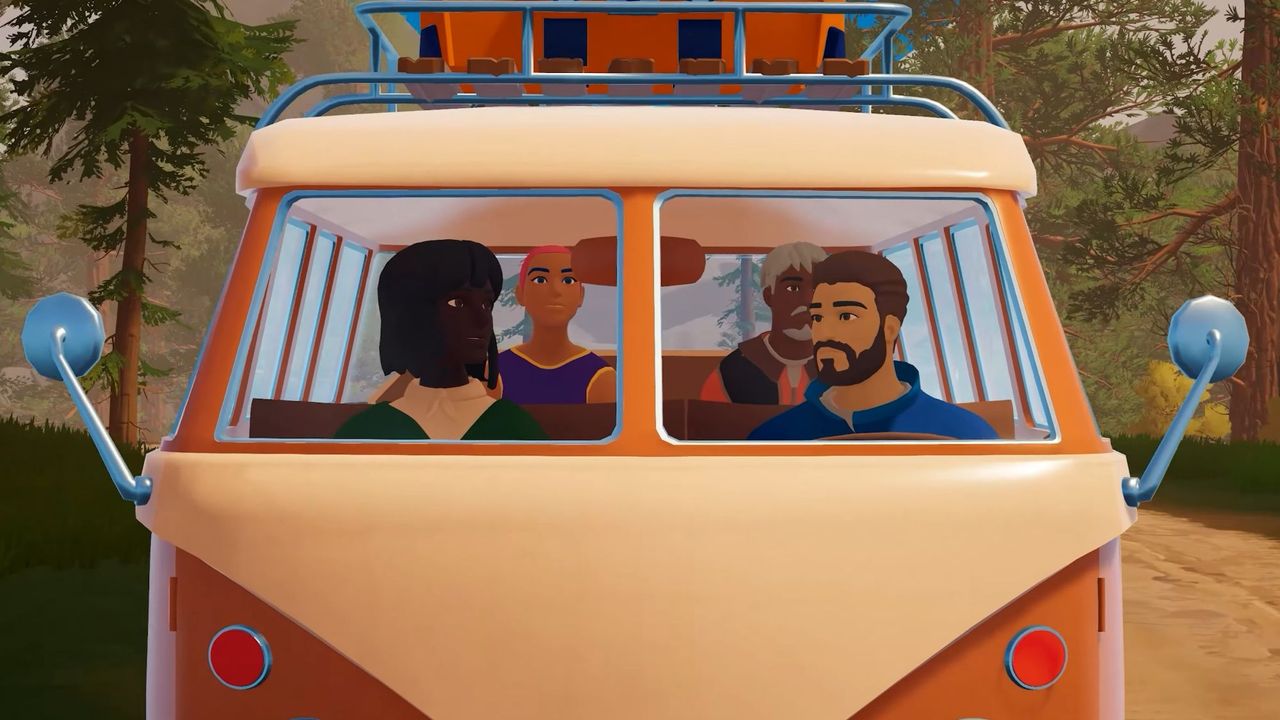
Driving a camper van through the wilderness alone is daunting, but fortunately, co-op in Outbound ensures you never have to face the journey solo. The mobile base-building adventure supports up to four players, making it ideal for squad-based exploration and resource gathering. However, multiplayer isn't available immediately upon launching the game. You must complete the initial tutorial, manage lobby codes, and understand the unique progression systems before your crew can hit the road together.
How to Unlock Multiplayer in Outbound
To enable co-op in Outbound, you must finish the tutorial, which takes just a few minutes. Multiplayer access opens the moment you exit the starting camping area. Follow these steps to reach the multiplayer gate:
- Drive along the path to the designated camping area and pull over.
- Open the back of your van to set up camp and loot the nearby chest for supplies.
- Light the campfire and use the nearby terminal to download blueprints for Basic Tools.
- Pick up scrap metal, access your van's workbench, and craft the Wrench I.
- Use the wrench to open the barrier blocking your way.
Once the gate is open, a pop-up will prompt you to invite friends. You can then access your unique multiplayer code via the in-game menu to share with your squad.
How to Invite Friends to Your Session
Setting up your co-op in Outbound lobby is straightforward for the host. Once you've unlocked the gate, follow these steps to bring your friends along:
- Hit the Tab key to open the menu and select the multiplayer icon on the far right.
- Copy your multiplayer code and share it with up to three friends.
- Your friends can join by selecting the Join Friend option in the main menu and entering your code.
This allows you to coordinate your route and base-building efforts seamlessly across your group.
Understanding Co-op Progression and Save Data
Progression in Outbound co-op operates differently than in other sandbox crafting games. Unlike titles like Valheim where progress is character-bound, Outbound attaches advancement directly to the save file.
Key Progression Rules
Your crew needs to be aware of how shared data works:
- Character Creation: When a friend joins a host's save game, they create a new character specific to that session.
- Save-Bound Progression: Any downloads, upgrades, or blueprints unlocked while in a host's game are tied to that save file. These do not carry over to your other characters or vans.
- Host Dependency: The host owns the save file, so you cannot continue the campaign from that specific progression point if the host goes offline.
- Shared Unlocks: Tool recipes and decorative packs are shared within the save. If one player unlocks a new item, everyone in the session can craft it.
By understanding these mechanics, you and your crew can plan your base expansion and tool upgrades effectively across your co-op in Outbound adventures.