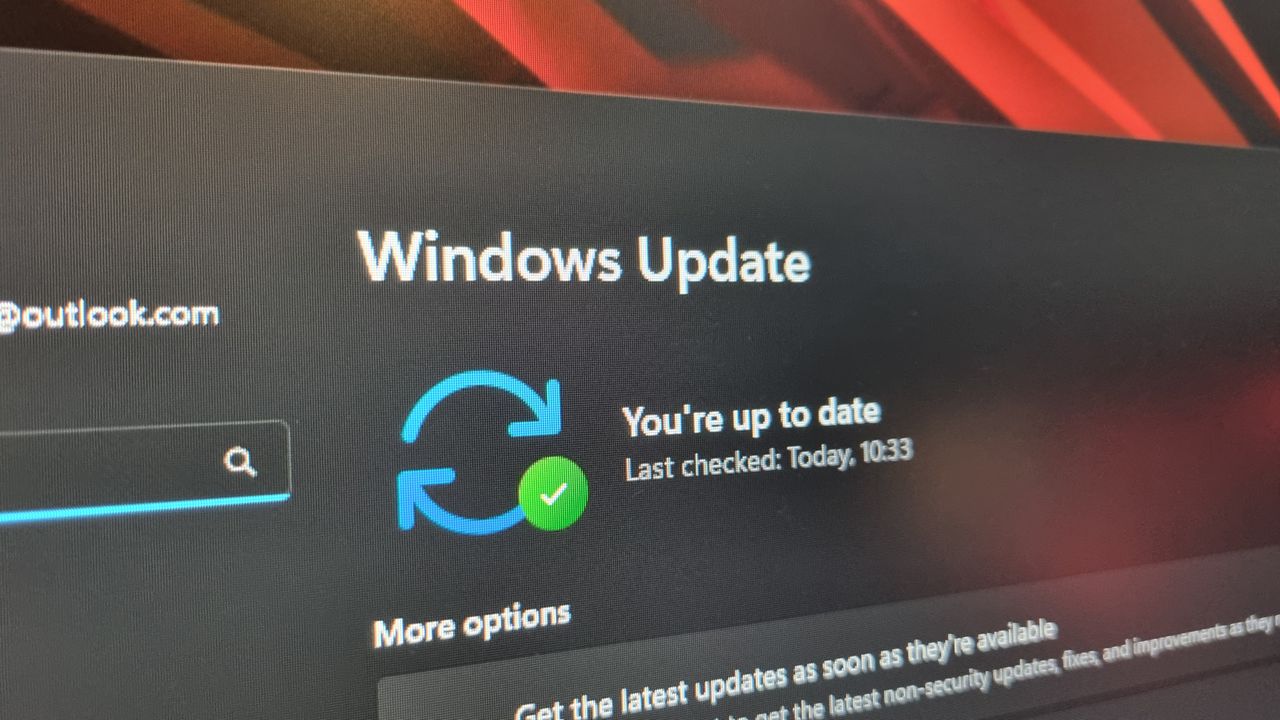
Windows Update is often viewed as both a blessing and a curse. While every fix might solve an issue on your Windows 11 machine, the tool itself has a reputation for being downright obtrusive. To address this, Microsoft is updating Windows Update to provide users with much-needed autonomy, starting with the latest Windows Insider builds.
More Control Over Your PC Experience
In a new blog post, Microsoft details upcoming changes under a section titled "more control." The company acknowledges the tension between security and productivity, stating: "Updates are an important part of keeping your PC secure and running smoothly. But at the wrong time, they can also critically break your flow."
To rectify Windows 11's history of misbehaving updates, Microsoft has already begun rolling out a "skip updates" feature to the Out of Box Experience (OOBE). This allows you to bypass updates during initial installation to reach your desktop much faster. Our very own Jess has tested this feature and found it works exactly as intended. Since we set up a lot of machines here at GLI7CH, we can confirm that this change is incredibly "neat."
New Scheduling and Power Menu Features
As Microsoft is updating Windows Update to be less intrusive, they are also introducing a new option to pause updates. This includes a built-in calendar interface that lets you choose a specific day of the month for updates. While the calendar goes up to 35 days into the future, it can be endlessly extended in 35-day increments.
The most significant change, however, involves the Power menu. Users will soon have the option to shut down or restart their machines without being forced to install a pending update, regardless of the circumstances. This addresses a massive pain point: the moment you accidentally hit "update and shutdown" instead of just closing your laptop lid, locking you into an update process that could take anywhere from two minutes to half an hour.
Streamlining the Update Experience
Microsoft is also focusing on transparency and efficiency. The company plans to classify update titles with more detail, allowing you to see exactly which machine features will be affected. Furthermore, updates will be grouped together to prevent frequent, annoying reboots.
The goal of these changes includes:
- Detailed update titles for better feature visibility.
- Coordinated updates involving drivers, .NET, and firmware.
- Reduced reboot frequency via a unified monthly experience.
"We know this has been a major pain point for Windows users, so as of today, we’re unifying the update experience to reduce the number of reboots you see every month," Microsoft stated. They added that by coordinating driver, .NET, and firmware updates to align with the monthly quality update, they aim to "reducing update experience to a single monthly restart."
These improvements come at a critical time. This move is part of a larger effort to improve the Windows 11 experience following heavy user criticism regarding Microsoft's recent focus on AI updates over basic usability. While these changes look promising, the transition may not be seamless; despite claims that certain issues are fixed, some machines still undergo automatic reboots after being told to "update and shut down."