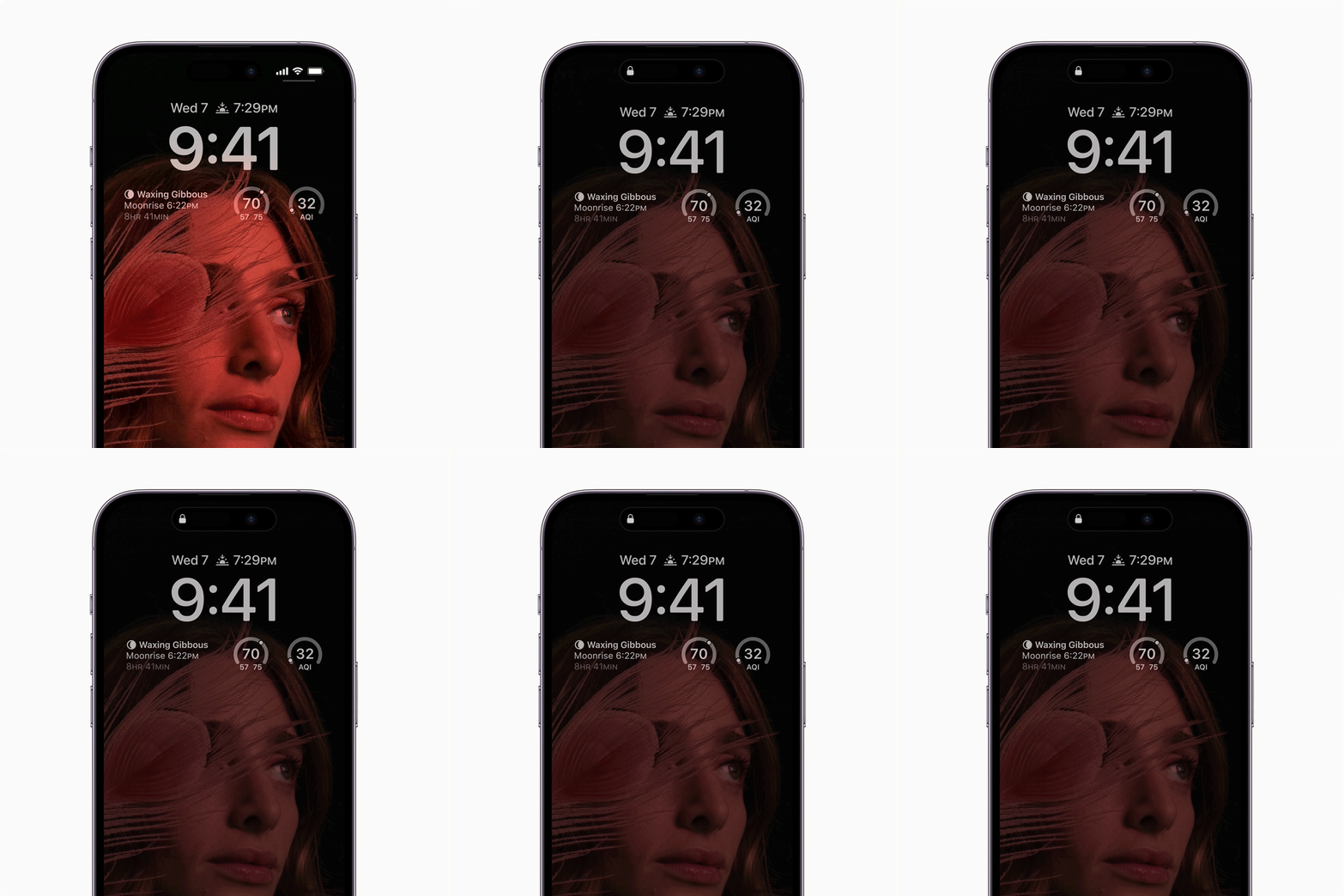
The persistent glow of essential data on a smartphone screen fundamentally alters the relationship between user and device. By keeping vital information—such as the time, upcoming appointments, or incoming alerts—visible without fully waking the handset, your phone transforms from an interactive tool into an ambient companion. To achieve this, you need to set up your phone’s always-on display to maximize glanceability while minimizing unnecessary interruptions.
Mastering Always-On Display Functionality Across Operating Systems
Modern mobile platforms have built sophisticated mechanisms to keep users informed while minimizing screen wake cycles. The key is shifting interaction away from the main screen surface and leveraging Always-On Display (AOD) functionality. While this technology evolved from early prototypes, it now offers highly customizable touchpoints across Google Pixel, Samsung Galaxy, and Apple iPhone hardware.
To reduce how often you interact with your device, focus on these core customization methods:
- Widget Integration: Both major Android ecosystems allow users to embed functional shortcuts—such as weather widgets or camera triggers—directly into the lock screen.
- Notification Control: Advanced systems permit setting notification views as mere snippets rather than full-screen alerts, reducing visual noise during quick checks.
- Information Persistence: The goal is to make necessary data persistent rather than event-driven, allowing you to stay informed without a full unlock.
Customizing Android and Samsung Devices
For Android users, deep customization resides within specific settings menus. On Google Pixel devices, navigating to Display > Lock screen allows for granular control over visible information, including the ability to enable widgets directly on the locked interface.
Samsung Galaxy owners can further optimize their experience by adjusting notification settings. By ensuring "Show notifications" is set to display detailed 'Card' alerts, and utilizing the Now bar widget, users can view dynamic data streams like sports scores or fitness metrics instantly from the lock screen.
Optimizing iOS and Android for Minimal Interruption
While implementation details vary between manufacturers, the goal remains consistent: providing high informational density with minimal effort. When you set up your phone’s always-on display correctly, you can significantly reduce friction points.
Apple’s approach on iPhones centers around managing notification previews. By setting "Show Previews" to 'Always,' content snippets become readily available without requiring a full unlock sequence. However, users must consider the privacy trade-offs; enabling extensive visibility means sensitive data, such as private messages, may be visible to anyone glancing at your device in public.
The Shift Toward Ambient Computing
The industry is moving toward ambient computing, shifting away from static widgets toward dynamic, context-aware surfaces. Future iterations of mobile software may include features like "Min Mode," where apps display ultra-low-power, full-featured interfaces directly on the AOD state.
This represents a massive shift in UX design: developers are no longer just designing for interaction; they are designing for awareness. As we move toward this future, the ability to distill an app's core utility—whether it be navigation cues or real-time health data—into a minimalist form factor will define the next generation of mobile usability.