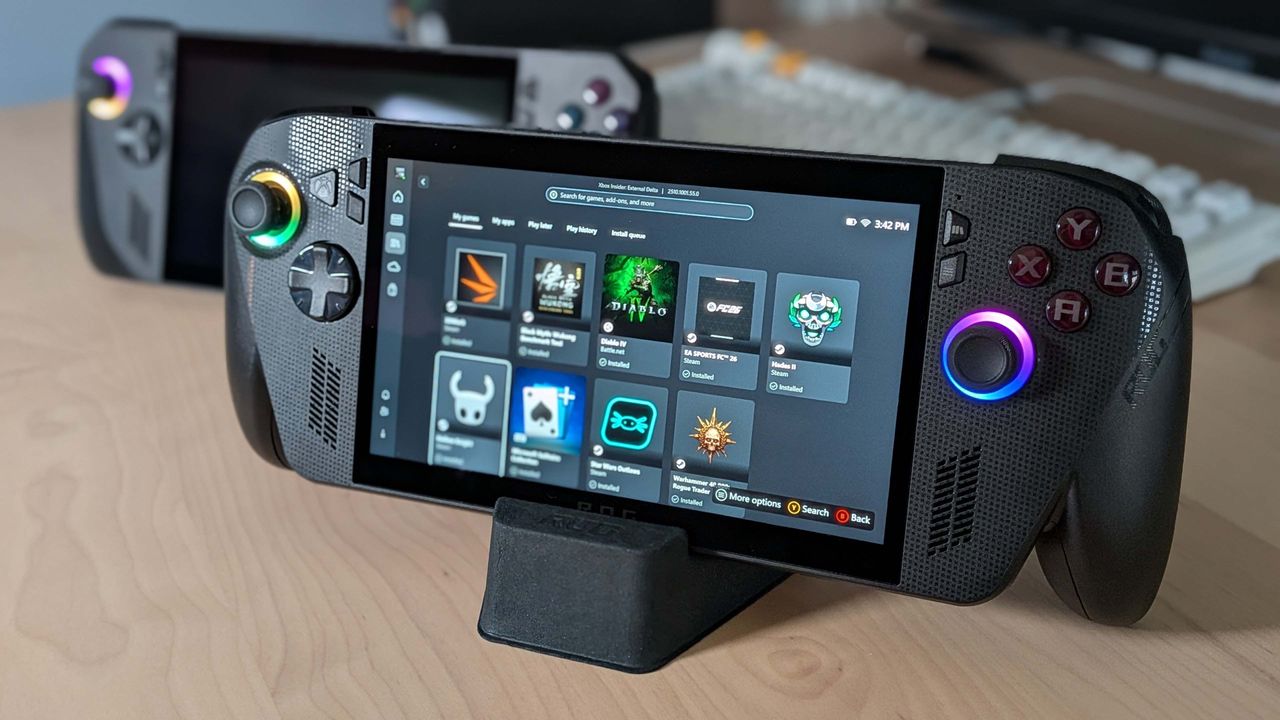
For most handheld gaming PC users, relying on AMD-based chips means being limited to AMD's FSR upscaler to achieve much-needed frame rate boosts. However, a new update has changed the game for ROG Xbox Ally X owners by introducing Microsoft's NPU-powered Auto SR as an additional option.
Leveraging the NPU for Better Performance
While many users are familiar with the NPU (Neural Processing Unit) as a specialized component that rarely sees heavy use, this update puts it to work. Unlike traditional upscaling, Microsoft's Auto SR does not run on the GPU within the AMD Ryzen Z2 Extreme processor that powers the handheld. Instead, the workload is shifted entirely to the chip's NPU.
Microsoft explained the technical advantage of this approach in a recent blog post regarding AutoSR:
"When super resolution [upscaling] runs on the GPU, it counts towards frame time. To avoid impacting FPS, models are limited to a minuscule 1–2ms, constraining their size and quality. Game-integrated super resolution fits in this window and still delivers quality by relying on the game to provide more detailed texture data. Auto SR sidesteps this limit by running larger models on the NPU in parallel with the GPU. This gives Auto SR an entire extra frame of time to run the model—critical for devices like the ROG Xbox Ally X, that couldn't otherwise run these models without significantly impacting FPS."
FSR vs. Auto SR: Which Should You Use?
It is important to note that Microsoft is not suggesting users abandon AMD's FSR upscaler in favor of Auto SR. In fact, they suggest the opposite.
According to Microsoft, "Game-integrated super resolution remains the preferred choice. Auto SR steps in where game-integrated super resolution isn’t available or when hardware constraints prevent it from simultaneously delivering quality and FPS." Essentially, if a game supports FSR natively, it will likely produce superior results. Auto SR serves as the perfect safety net when native support is missing.
The Limitations of Auto SR on the ROG Xbox Ally X
There is a significant catch to this new feature: you cannot use Auto SR while playing in handheld mode. The technology only functions when the ROG Xbox Ally X is docked and connected to an external display.
While the external display isn't strictly required, the primary reason to dock the device is to maximize power limits for high-end gaming on a larger screen. This means that when you are playing unplugged, you will still be relying on FSR or AMD’s driver-based RSR. Furthermore, running the CPU, GPU, and NPU simultaneously may put a strain on battery life.
Getting Auto SR running on your device is currently a bit of a "faff." To access the feature, you must complete several steps:
- Enroll in the Xbox Insider program.
- Install all required Windows updates.
- Open the Xbox Game Bar to verify Auto SR availability.
- Download and install the latest Auto SR package from the Microsoft Store.
While the setup process is currently cumbersome, it will hopefully be much simpler once the feature moves out of its preview stage. Ultimately, Auto SR could become a massive advantage for laptops and future desktop PCs equipped with Intel Core Ultra chips, giving the GPU more breathing room to render high-quality graphics.