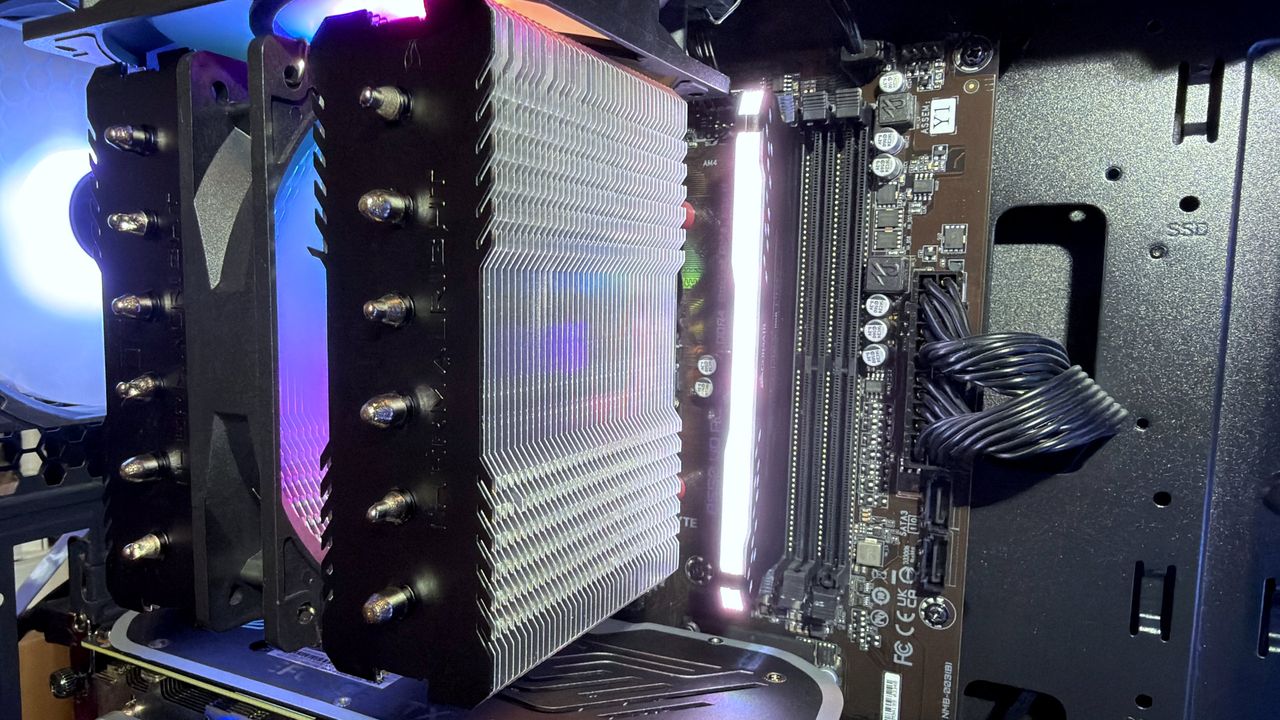
While PC gaming has never been an ultra-cheap hobby, the current AI-induced global memory supply crisis has made it painfully pricey. With DRAM kits and SSDs now three to four times more expensive than they were 12 months ago, nothing is off the table when it comes to finding ways to save some money. This has led many to wonder if using single-channel DRAM is a viable way to cut costs.
Is it worth using a single stick of memory compared to shelling out for a dual-channel kit, whether separately or as part of a prebuilt gaming PC? We are often told that this isn't a good idea, but there is a potential silver lining. For example, if you bought a 32 GB kit with a friend and split the memory between the two of you, you could actually save money over buying a full 16 GB kit.
Understanding the DRAM channel
For many years, CPUs in desktop PCs and laptops have sported two independent memory controllers. Originally, these were part of the motherboard chipset—specifically the section known as the Northbridge—but they are now all buried inside the processor die.
These controllers handle everything related to your computer's system memory, including reading and writing data and telling the DRAM chips when to refresh. By having two independent controllers (dual channels), you can theoretically achieve twice the performance. Separate controllers also help reduce latencies because one can be reading while the other is writing.
How cache mitigates single-channel DRAM issues
This setup suggests that using a single channel is bad news for performance, but it isn't always a dealbreaker. Modern CPUs feature massive amounts of cache, which goes a long way toward reducing the data demands on the memory controllers.
If the data required by an instruction is already stored in the cache, the system doesn't need to fetch it from the system memory. Therefore, for CPUs with significant cache, single-channel DRAM might not be as much of an issue as you think, especially if the RAM itself is fast and has high bandwidth.
The impact of single-channel DRAM on 4K gaming
To find out the truth, I put several components to the test. My testing rig featured a Ryzen 9 9950X3D, a processor with an enormous 128 MB of Level 3 cache split into 96+32 MB across two core chiplets. This was paired with a GeForce RTX 5090 and 32 GB of dual-channel DDR5-6000 CL32 memory.
The goal was to see the impact of memory configuration in GPU-limited situations. The tests were conducted under the following conditions:
- Resolution: 4K native (no upscaling or frame generation)
- Settings: Maximum graphics values enabled
- Features: Ray tracing and path tracing enabled where available
Benchmark Results
The results across different titles show that the performance gap isn't always as massive as feared when the GPU is the primary bottleneck.
Black Myth: Wukong (4K Cinematic/Full Path Tracing)
- DDR5-6000 | 32 GB dual channel: 28 Avg FPS, 21 1% Low FPS
- DDR5-6000 | 16 GB single channel: 28 Avg FPS, 20 1% Low FPS
- DDR5-6000 | 32 GB single channel: 28 Avg FPS, 20 1% Low FPS
Hogwarts Legacy (4K Ultra/Ultra RT)
- DDR5-6000 | 32 GB dual channel: 81 Avg FPS, 35 1% Low FPS
- DDR5-6000 | 16 GB single channel: 76 Avg FPS, 26 1% Low FPS
- DDR5-6000 | 32 GB single channel: 81 Avg FPS, 33 1% Low FPS
While there is a visible dip in the 1% lows for some titles when using a single stick, the average frame rates remain remarkably stable in high-resolution, GPU-heavy scenarios. This suggests that if you are playing at 4K, your CPU's L3 cache is doing much of the heavy lifting.