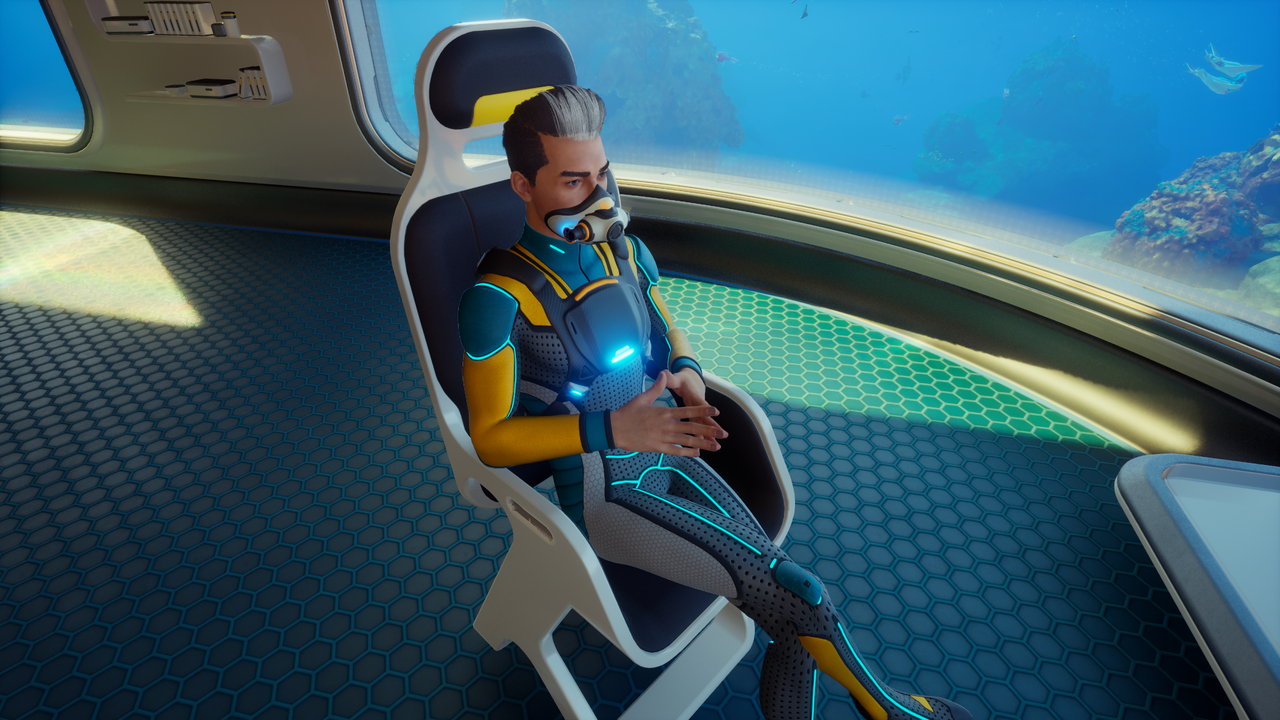
Modders have moved with incredible speed since Subnautica 2 launched into early access. While the game hasn't officially released yet, a functional debug console has already been uncovered, allowing players to bypass the standard survival mechanics with ease.
If you were wondering if the sequel offered the same developer tools as the original, the official answer is currently no. However, through a combination of tools and community mods, you can access Subnautica 2 console commands to enable cheats like god mode, instant item spawning, and the unlocking of all blueprints. You can even adjust your field of view (FOV), a feature notably absent from the base game’s settings so far.
How to Access the Debug Console
Enabling these cheats requires a specific setup involving external tools. Follow these steps to get the debug console running in your game:
- Download UE4SS: Obtain the UE4SS (Unreal Engine Scripting System) tool compatible with Subnautica 2.
- Locate Your Game Folder: Find your installation directory. On Steam, right-click the game in your library, select Manage, and then Browse Local Files.
- Install UE4SS: Extract the UE4SS files into the following path: \Subnautica2\Subnautica2\Binaries\Win64.
- Download the Console Commands Mod: Get the specific mod designed to expose these commands.
- Install the Mod: Extract the mod files into: \Subnautica2\Subnautica2\Binaries\Win64\ue4ss\Mods.
Once installed, start Subnautica 2 and press F2 while playing to bring up the command console. This interface allows you to click specific commands to spawn items, toggle survival systems like starvation and suffocation, and add inventory slots. Additionally, you can type commands manually for more precise control.
Subnautica 2 Console Commands List
Below are the active console commands currently available through this mod setup. These commands allow you to manipulate the game state significantly.
| Command | Effect | | :--- | :--- | | god | You no longer take damage and do not need food, water, or oxygen. | | invisible | Hostile lifeforms can no longer see you. | | nocost | Craft or process any item without consuming resources. | | unlock all | Gain access to all recipes, blueprints, and journal entries immediately. | | kill | Instantly kills your character and respawns you. | | night | Sets the time to night. | | day | Sets the time to day. | | daynight # | Sets a specific time of day (replace # with a number). | | FOV # | Changes your Field of View (e.g., FOV 100). | | item [name] [amount] | Adds items to your inventory (e.g., item lithium 5 adds 5 lithium). | | oxygen | Prevents your oxygen level from rising or falling. | | togglehud | Hides your Heads-Up Display. |
Unavailable and Future Commands
While the current mod provides a wealth of abilities, some commands present in the game's code are currently disabled and do not work yet. These include:
- Goto
- Fastswim
- Noclip
- Fly
- Warp
These functions may require an official update from the developers to become functional.
Official Updates and FOV Support
Unknown Worlds has confirmed to PC Gamer that official support for console commands and FOV options is planned for Subnautica 2's early access period. The developers are working on integrating these features in a way that ensures compatibility across all platforms.
"We are planning updates to the game that will include console and camera functions, but are still trying to figure out the timing as we want to make sure these roll out in a way that enables all players—console and PC—to use them," game design lead Anthony Gallegos stated.
Until those official updates arrive, modders provide the only viable way to access these powerful tools. Keep an eye on community updates as this list of working commands expands with further testing.