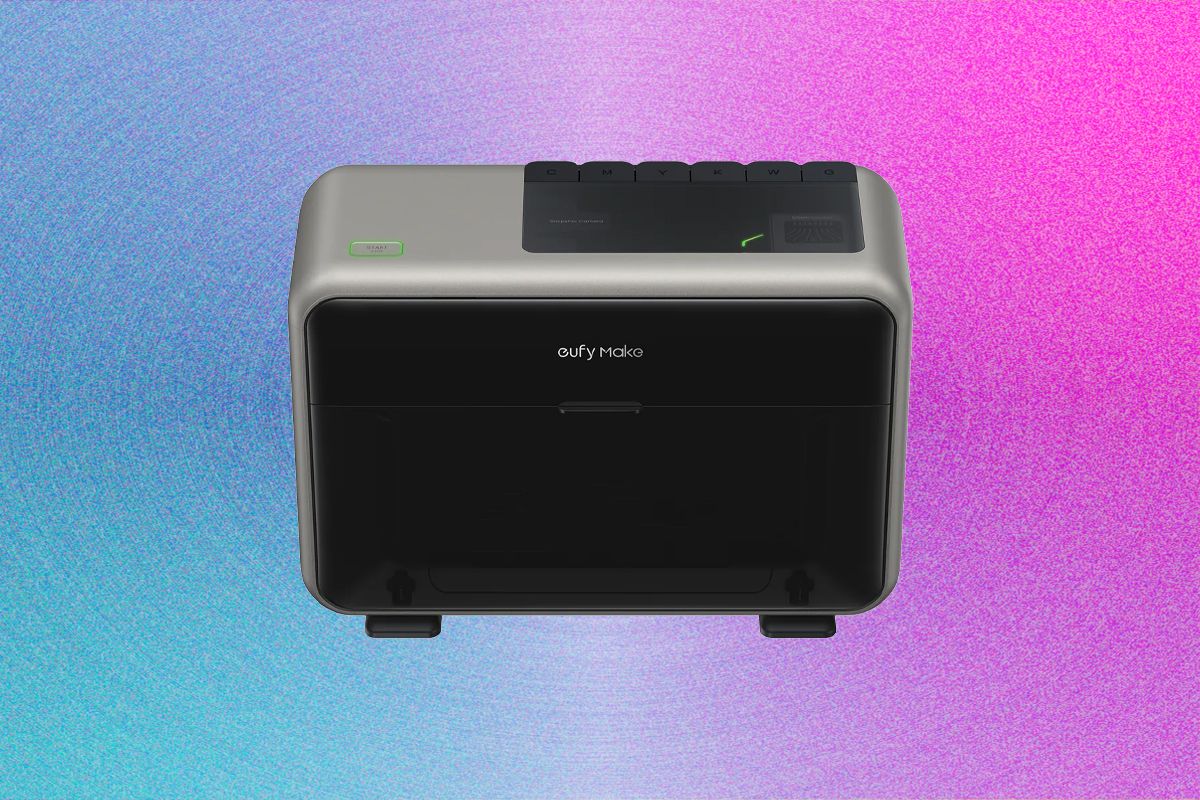
The evolution of desktop manufacturing is increasingly defined by the ability to move beyond flat, two-dimensional imagery toward tactile, multi-layered textures. In this EufyMake E1 UV Printer Review, we examine how Anker’s EufyMake E1 facilitates this shift using UV-cured ink and intense light. The machine deposits raised patterns onto diverse substrates like ceramic, metal, and wood. While marketed as a personal printer, it functions more like specialized industrial equipment than a standard home office peripheral.
Precision Engineering: An EufyMake E1 UV Printer Review
The printing process relies on a combination of physical hardware and the EufyMake Studio software to achieve its signature 3D effect. After an initial calibration, users place items onto adhesive mats that secure objects to the print bed. An integrated camera scans the workspace, allowing the software to align digital designs with the physical object's surface.
For those unfamiliar with design workflows, a learning curve exists regarding layers, transparency, and dots per inch (DPI). However, the output quality is remarkably high for a desktop unit, boasting a resolution of 1,440 dpi that produces professional-grade graphics. When used correctly, the resulting prints—ranging from custom keycaps to textured coasters—are often indistinguishable from mass-produced retail goods.
Achieving Depth Through Layering
The ability to build up layers of white ink creates a physical depth that standard inkjet printers simply cannot replicate. This EufyMake E1 UV Printer Review highlights how the technology transforms flat images into tangible art. By mastering the software's layering capabilities, creators can produce truly unique, textured merchandise.
Operational Demands and Maintenance
Owning an EufyMake E1 requires more than just the initial $2,299 investment; it demands a dedicated workspace with specific environmental controls. The printing process involves off-gassing that necessitates robust ventilation to manage the "freshly manufactured" scent produced during curing. Additionally, the UV light used in the process is intense enough that users should utilize the included blue-light-reduction glasses when observing active prints.
Managing the machine's long-term health involves several logistical hurdles:
- Proprietary Ink Management: The system uses six distinct color cartridges, with white ink often depleting much faster due to its role as a base layer.
- Automated Maintenance: To prevent clogging, the printer performs automatic ink cycles at set intervals, which consumes ink even when no print jobs are queued.
- Accessory Costs: Expanding capabilities through the rotary adapter (for mugs) or the DTF laminator (for stickers) requires an additional $400 per unit.
- Workspace Requirements: The machine's footprint and the need for a clean, ventilated area make it unsuitable for cramped living quarters.
A Specialized Tool for the Creator Economy
The EufyMake E1 is not a casual hobbyist tool for printing labels or photos; it is a specialized instrument for those looking to launch or scale a micro-business. The ability to print directly onto cylindrical objects like tumblers via the rotary adapter offers significant potential for custom merchandise. However, the financial reality of ink consumption and mandatory maintenance cycles means that the machine must be used frequently to remain cost-effective.
Ultimately, the E1 is a high-performance machine with a high barrier to entry. For the "neighbor with a garage" looking to turn custom textures into a side hustle, it offers unparalleled creative freedom. For everyone else, the combination of high upfront costs and ongoing operational expenses makes it a difficult addition to a standard home setup.