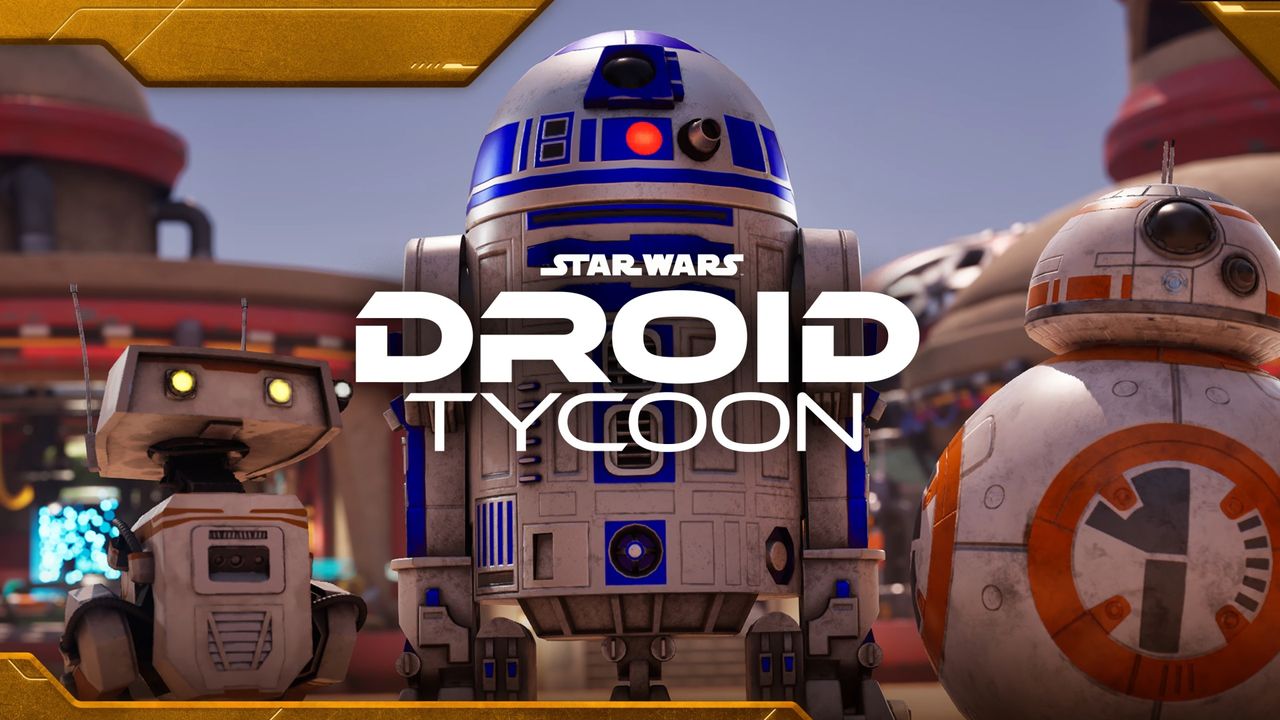
Fortnite is back with another annual Star Wars celebration, introducing three brand-new Creative experiences. Droid Tycoon is one of the standout additions, offering a "Steal a Brainrot" style gameplay loop with an intergalactic twist. While it feels less like Ballerina Cappucina and more like BB-8, the core progression and upgrade mechanics remain familiar. This Fortnite Droid Tycoon beginner guide will help you transform your humble Tatooine test run into a fully-fledged robot enterprise.
Fortnite Droid Tycoon Beginner Guide: Maximizing Your Profits
Droid Tycoon is built entirely around smart investments. The fundamental loop involves spending Credits to purchase basic droids, putting them to work to generate more wealth, and eventually offloading them for more expensive models. To grow your empire quickly, focus on these key strategies:
- Prioritize base upgrades: Adding new droid slots is the most effective way to significantly increase your earnings.
- Target special modifiers: When starting out, try to buy cheaper droids that feature Gold or Diamond modifiers to maximize your initial investment.
- Utilize the scrap pile: Do not neglect the scrap heap! Manually hitting the pile with your pickaxe is the best way to earn money before you can afford rare droids. The pile levels up and provides more Credits over time.
Utilizing Companion Perks and Side Objectives
You should also pay close attention to your droids' unique abilities. Instead of leaving them to toil in the factory, you can have them follow you as companions to provide powerful buffs. For example, some droids—like the common CB—can increase your pickaxe level for free. You can swap companions at any time, so experiment with each droid to learn their specific benefits.
Beyond the factory, Droid Tycoon features side objectives across Tatooine. Completing these tasks, such as repairing moisture evaporators or clearing hostile Stormtrooper takeovers, will reward you with crates. While common crates usually provide Credits, you can occasionally score rare goods like Upgrade Chips. Additionally, don't forget to send your droids on passive missions using your base's shipyard.
How to Upgrade Droids and Use the Cantina
As you progress through this Fortnite Droid Tycoon beginner guide, you will eventually need to improve your existing fleet. While you can find modified droids on the conveyor belt, you can also make deals with the residents of Tatooine to upgrade your favorites.
The droid upgrade vendor is located in a shady shop behind the cantina. By using Upgrade Chips earned from side objectives, you can improve your droids' ranks. For instance, the first upgrade from default to Gold rank costs five Upgrade Chips, with prices increasing thereafter.
The cantina itself is a hub for various NPCs and merchants:
- Trade Merchants: You can find NPCs who will trade droids or offer unique deals.
- Pickaxe Upgrades: One vendor offers pickaxe upgrades in exchange for Credits.
- Gambling: A shady character allows you to gamble for a chance at a free droid upgrade.
Be sure to check the cantina regularly, as NPCs may occasionally ask for a common drone in exchange for something incredible. However, stay alert; players can be aggressive when leaving the safety of your base.
Rebirth Requirements and the BB-8 Event
Rebirth is a major milestone in any tycoon game. In Droid Tycoon, you can check your specific requirements at a kiosk located near the front entrance of your base. As long as you have the required droids and enough Credits, you can reset your progress in exchange for permanent, powerful enhancements.
Rebirth is surprisingly generous, allowing you to keep all your current droids even after paying the Credit cost. Be wary of higher-level requirements that demand specific versions of droids, such as Gold, Diamond, or Rainbow variants.
Finally, keep an eye out for the rarest droids in the game. As you expand your base and reach higher Rebirth levels, you can chase down legendary units like BB-8. These droids only appear during the official BB-8 Event, which features a massive countdown timer in the center of the map to help you prepare.