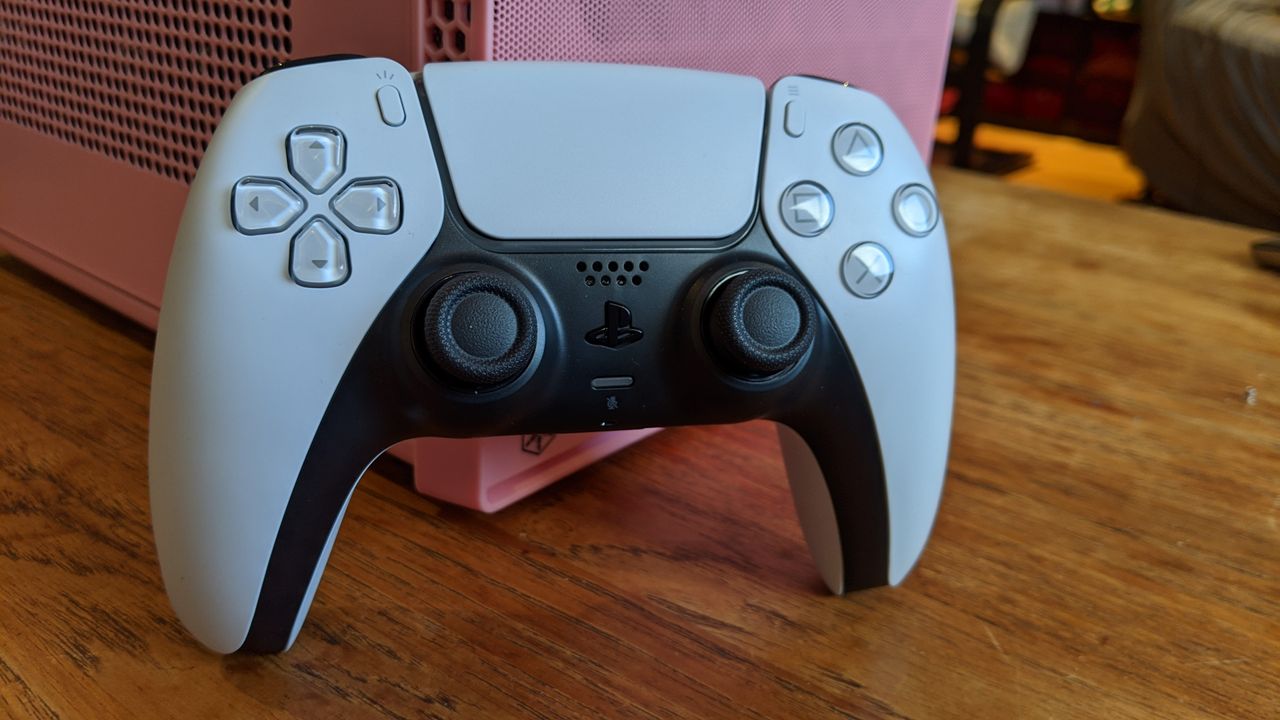
If you have been dreaming of a full PS5 experience on your PC, this Raspberry Pi-based homebrew dongle might be the solution you need. Currently, achieving wireless Sony DualSense functionality on PC is nearly impossible because you lose the controller's signature haptic feedback over standard Bluetooth. However, a new GitHub project utilizing a Raspberry Pi Pico 2W aims to bridge that gap.
Solving the DualSense Bluetooth Limitation
The primary issue stems from how Windows handles Bluetooth connectivity. The standard PC Bluetooth interface does not support Sony's proprietary version of Bluetooth, which essentially repurposing A2DP audio channels to transmit essential haptic data.
This Raspberry Pi-based homebrew dongle solves the problem by acting as a middleman. It allows you to connect your DualSense controller to your PC wirelessly while tricking the computer into thinking it is using a wired interface.
Performance and Latency for This Raspberry Pi-based Homebrew Dongle
A major concern with any homebrew hardware solution is latency. Enabling advanced haptics at the cost of significant input lag would not be a worthwhile trade-off for gamers.
However, the consensus among the Reddit community suggests that this solution could actually outperform generic hardware. According to one commenter, the software can be tuned to poll the controllers with extreme precision:
- The software can be tuned to only poll the controllers predictably and precisely.
- It avoids the complexities of the generic Windows, Linux, or Android Bluetooth stacks.
- The setup functions much like a real PS5 connection.
Potential Technical Hurdles
There is still some uncertainty regarding interrupt transfers, which are necessary for peripherals like mice to ensure rapid and consistent responses. If the project lacks support for these transfers, it could lead to inconsistent performance.
That said, the GitHub project may already address this by configuring the Pico 2W as a USB HID device using interrupt transfers. If you enjoy getting your hands dirty with DIY tech and want full wireless DS5 gaming on PC, this project is certainly worth a look.