Subnautica 2 Multiplayer Explained
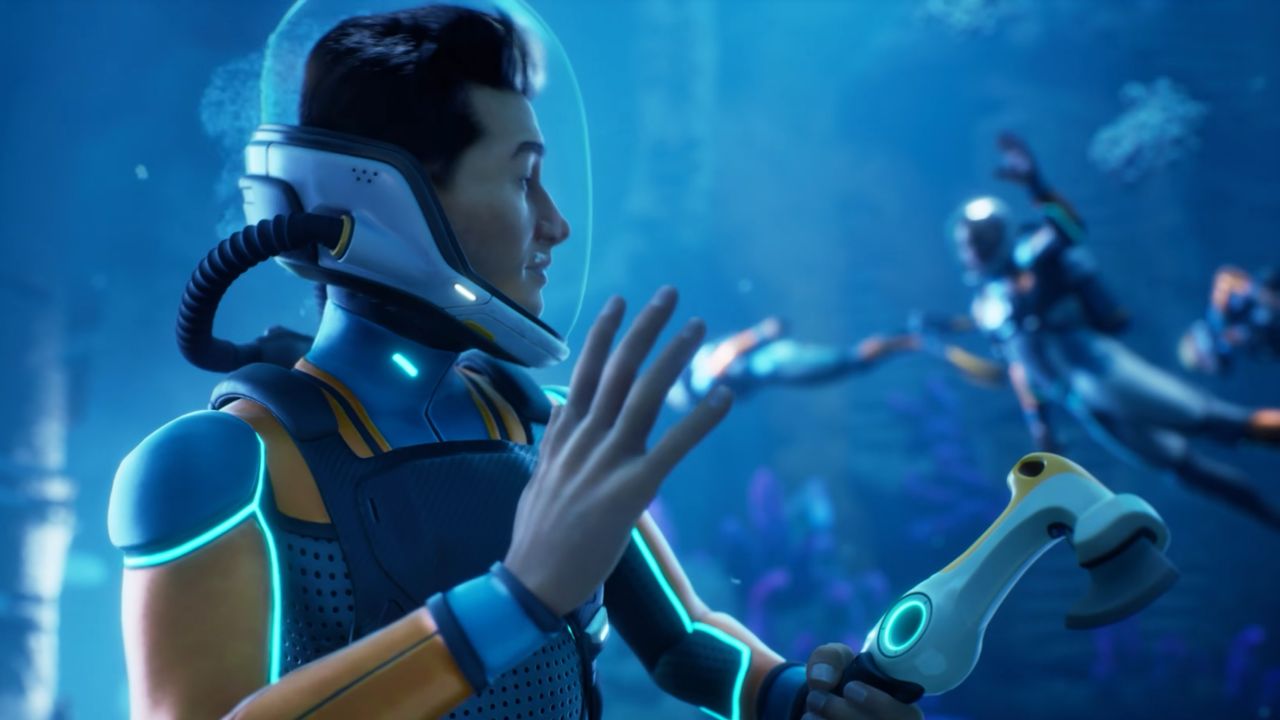
Subnautica 2 has launched into early access, bringing a significant improvement over its predecessor: multiplayer support. Up to four players can now dive into the alien ocean depths together in co-op, transforming the solitary survival experience into a shared adventure. Having tested the system early, the new multiplayer framework offers generous flexibility in some areas while falling short in others, particularly regarding character progression and revival mechanics.
Asymmetric Progression and Base Permissions
The most immediate difference when joining a friend’s game is how progression is handled. If you host a game using an existing singleplayer save, your base, gear, quest progress, and DNA enhancements remain intact. However, joining players must start with a brand-new character, devoid of any prior progress.
This means Subnautica 2 does not currently support the seamless character transfer seen in games like Valheim. You cannot bring your existing singleplayer character, complete with their gear and inventory, into your friend’s world. This is a notable disappointment for players hoping to jump into a late-game world with their established builds.
On the flip side, the permissions system is remarkably permissive. Joining players have full access to your resources and can edit your base freely. While this is excellent for trusted friends, it raises concerns for those inviting strangers, as co-op partners can potentially dismantle or alter your carefully constructed habitats. The only safeguard is quitting the game without saving to undo changes, which isn't ideal for ongoing collaboration.
Limitations on Resurrection
Another critical limitation in the current build is the lack of revival mechanics. During testing, when both the host and the joining player died, they were immediately reprinted back at the LifePod. There is no opportunity to revive a fallen co-op partner from the dead. This removes a layer of cooperative strategy that many survival games rely on, forcing players to start from scratch at the beginning of the base rather than recovering from a setback together.
How to Host and Join Multiplayer
Despite these limitations, the core multiplayer functionality is robust and flexible. You can choose to start a fresh adventure together or invite friends into an existing world.
Hosting a New Multiplayer Game To start a fresh co-op session, follow these steps:
- Select "Host Multiplayer" from the main menu.
- Click "Host New Multiplayer Game."
- Choose between Survival or Creative mode.
- Click "Host Game."
- Right-click a friend on your friends list and select "Invite to Game."
Using a Singleplayer Save in Multiplayer If you want to bring friends into a world you have already explored:
- Select "Play Single Player" and choose your saved game.
- Click "Convert to Multiplayer" and confirm.
- Select "Host Multiplayer" and choose the converted save.
- Click "Continue" and invite friends via your friends list.
If you later wish to return to playing alone, you must select the save and choose "Convert to Single Player" to move it back to your singleplayer list.
Sharing World Keys
One of the most powerful features of Subnautica 2’s multiplayer system is the ability to share saved game worlds. This allows you to give friends a copy of your world, enabling them to continue playing in it with your base and gear intact.
Sharing a Singleplayer Saved Game
- Click "Play Single Player" and select the game you wish to share.
- Select "Upload to Cloud" and click "Upload."
- Click "Copy Key" and share this code with your friends.
Sharing a Multiplayer Saved Game Sharing a world that was originally created in multiplayer requires a few extra steps to ensure compatibility:
- Click "Host Multiplayer" and select the multiplayer saved game.
- Click "Convert to Single Player" and confirm.
- Click "Play Single Player" and select the now-converted singleplayer save.
- Select "Upload to Cloud," click "Upload," and then "Copy Key" to share with friends.
While the current multiplayer implementation is still evolving, these tools provide a solid foundation for exploring the depths of Subnautica 2 with friends. As the game continues its early access journey, we can expect these systems to be refined and expanded.