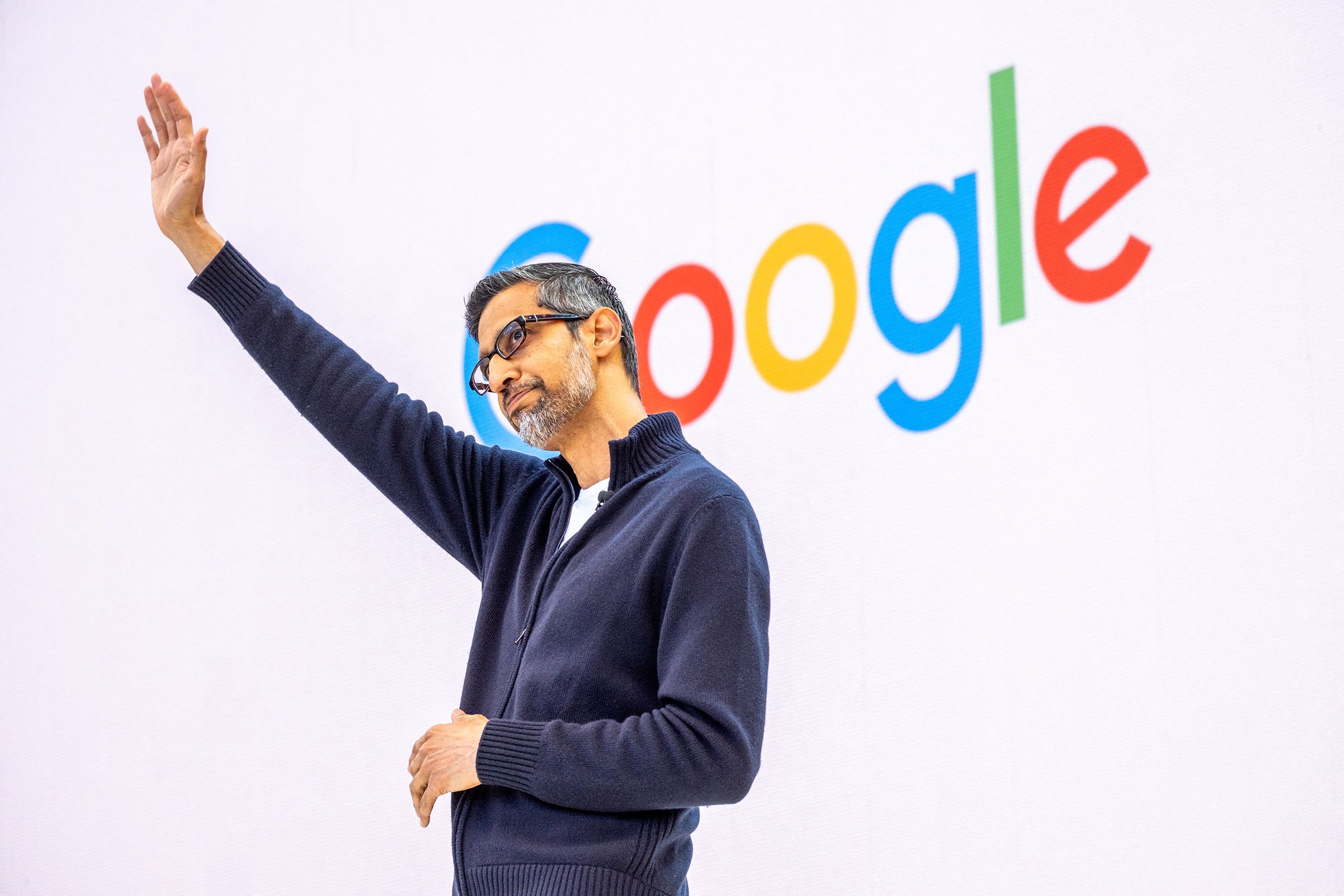
As tech conferences evolve, Google I/O has transformed from a modest developer gathering into a massive global showcase. It is now the premier stage where artificial intelligence, cloud infrastructure, and next-generation user experiences collide. Because in-person capacity often hits its limit, knowing exactly how to watch Google I/O remotely is essential for staying ahead of industry trends.
Best Ways to Watch Google I/O Remotely
Google has mastered the art of digital distribution, ensuring that even if you can't attend physically, you don't miss a single announcement. There are several ways to engage with the event:
- Live Web Coverage: The official I/O website and YouTube channel host full, high-definition streams of every keynote.
- On-Demand Video Library: If you miss a live session, Google archives content for weeks, allowing you to watch technical deep dives at your own pace.
- Mobile Optimization: All streams are specifically tuned for smartphones and tablets, making it easy to follow along on the go.
Whether you are looking for real-time updates or want to browse the on-demand library later, Google's streaming infrastructure makes global access seamless.
What to Expect During the Keynotes
When you tune in, you aren't just watching a presentation; you are witnessing the roadmap for the future of the internet. The event typically features:
AI and Product Roadmaps
The opening keynote often features Sundar Pichai and other senior executives discussing how AI integration will reshape products like Android, Google Workspace, and various cloud services. Expect live demos that showcase real-world applications of generative AI.
Developer Ecosystem Updates
A massive portion of the schedule is dedicated to the tools that build the modern web. This includes major updates to:
- Firebase
- Jetpack Compose
- AI-assisted coding tools and the broader Google Developers ecosystem.
Technical Requirements for a Smooth Stream
To ensure you have a seamless experience while learning how to watch Google I/O, keep these technical requirements in mind:
- Stable Internet: A minimum upload speed of 5 Mbps is recommended to prevent buffering during HD streams.
- Modern Browsers: Use the latest versions of Chrome, Edge, or Safari for optimal playback stability.
- Accessibility Features: Utilize built-in closed captions to follow fast-moving technical discussions and deep dives.
Preparing for the Event
Don't wait until the keynote starts to find your connection. To make sure you are ready, subscribe early to the Google I/O newsletter to receive direct links to live streams. We also recommend bookmarking the official I/O portal, which acts as a central hub for all sessions, and setting calendar reminders so you don't miss critical product launches or XR integration previews.
As Google continues to push boundaries in AI-enhanced search and mixed-reality features, staying connected to this event is no longer optional—it is a necessity for anyone invested in the trajectory of modern technology.