The average home network is built on a foundation of confusion. Two critical pieces of hardware are often lumped together as the "Wi-Fi box," yet they execute completely opposite functions in reality. Treating a modem and a router as interchangeable components is a structural error that can throttle performance, create security vulnerabilities, and unnecessarily drain monthly budgets.
Understanding the distinct mechanical and logical roles of these devices is not merely technical pedantry; it is a prerequisite for optimizing the digital infrastructure of modern life. Here is how to distinguish between the gateway to the internet and the brain of your local network.
The Modem: The Gateway to the Wide Web
The modem, short for Modulator-Demodulator, serves as the singular bridge between the private internet protocol (IP) networks inside a home and the public internet provided by an Internet Service Provider (ISP). Its primary function is translation.
The raw signal arriving at a residence—whether via coaxial cable, DSL phone line, or fiber optic strand—arrives in a format that standard computing devices cannot interpret. The modem demodulates this incoming signal into digital data and modulates outgoing digital data back into a format suitable for transmission over the provider’s infrastructure.
Identifying the Modem
- Incoming Connection: Look for the direct wideband connector from the street (coaxial or fiber).
- Single Ethernet Port: A standalone modem typically has only one port leading out to the rest of the network.
- No Wi-Fi Broadcast: If the device does not broadcast a wireless signal, it is likely acting solely as a modem or an Optical Network Terminal (ONT) for fiber connections.
Historically, this device was the sole point of access during the dial-up era. Today, while standalone cable modems still exist, their role is strictly limited to connectivity. It does not care how many devices are connected, nor does it manage traffic flow. It simply ensures that the data packet can enter or exit the house.
The Router: The Traffic Cop of the Local Network
If the modem is the port where cargo ships dock, the router is the warehouse and distribution center that sorts, directs, and broadcasts that cargo to specific addresses. The router’s job is to manage the Local Area Network (LAN).
It takes the single public IP address provided by the modem and uses Network Address Translation (NAT) to assign unique private IP addresses to every device in the home—phones, laptops, smart TVs, and gaming consoles. Without a router, only one device could be online at a time.
Why the Router Matters More for Performance
A high-speed modem is useless if the router is outdated, congested, or poorly placed. The router determines the actual quality of the wireless experience, including:
- Latency and Stability: Critical for gaming and video calls.
- Coverage Area: How far the Wi-Fi signal reaches.
- Bandwidth Allocation: Deciding which device gets priority.
- Security Protocols: Enforcing firewalls to protect against external threats.
Modern routers have evolved beyond simple distribution hubs. They now handle Quality of Service (QoS) rules, prioritize gaming traffic over background updates, and provide advanced security layers. Upgrading the router is often the most effective way to improve Wi-Fi performance, whereas upgrading the modem is only necessary if the current one cannot handle the speed tier provided by the ISP.
The Gateway Confusion and Financial Implications
The market is saturated with combination devices, often called gateways, which integrate both modem and router functions into a single unit. ISPs frequently rent these to customers as part of the service package. While convenient, this setup introduces significant drawbacks.
These gateways are typically generic, mid-range devices chosen for broad compatibility rather than high performance. Renting one can cost $10 to $15 per month, adding hundreds of dollars to the annual cost of internet service.
The Economic and Technical Case for Separation
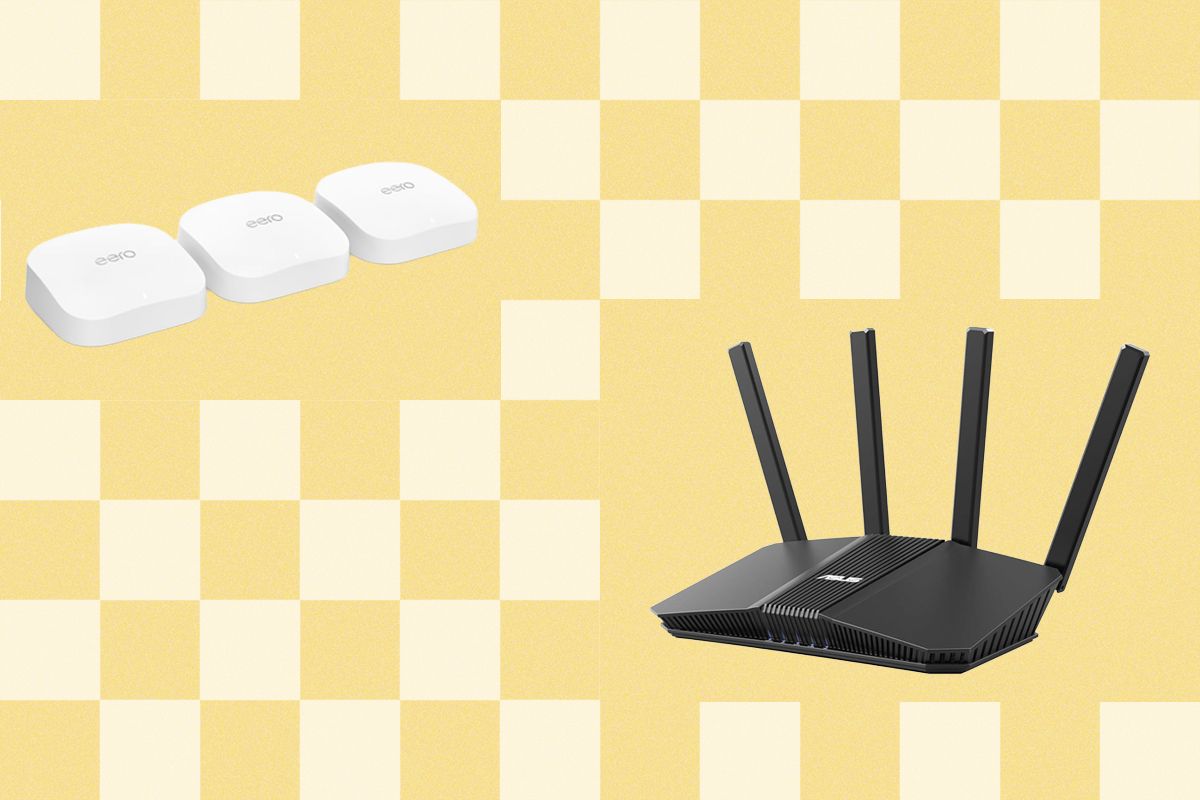
Buying separate, high-quality components is almost always the superior choice. A standalone, high-end router from brands like Asus, Netgear, or Eero will outperform the average ISP gateway in both range and reliability. Furthermore, separate devices allow for modular upgrades:
- Wi-Fi Standards Advance: Replace only the router.
- ISP Speed Tier Increases: Replace only the modem.
For those stuck with an ISP-provided gateway, bridge mode offers a partial solution. Activating bridge mode disables the routing and Wi-Fi functions of the device, forcing it to act solely as a modem. This prevents double NAT issues, which can cause connectivity problems for gaming and remote access, allowing a superior third-party router to take over the heavy lifting.
Verdict: Build for Performance, Not Convenience
The separation of duties between modem and router is not an arbitrary technical detail; it is the architecture of reliable networking. Consumers who treat their home network as a black box will remain subject to the limitations of ISP-provided hardware and monthly rental fees. Those who understand the distinction can build a network that is faster, more secure, and more cost-effective.
For most households, the ideal setup involves a certified standalone modem that matches the ISP’s speed tier, paired with a robust standalone router or a mesh Wi-Fi system designed for larger spaces. This approach decouples connectivity from distribution, allowing users to upgrade the component that matters most to their daily experience—the wireless network—without being forced to replace the entire infrastructure. In an age where home networks support remote work, 4K streaming, and low-latency gaming, the difference between a modem and a router is not just technical; it is experiential.