How to Unlock Base Building in Subnautica 2
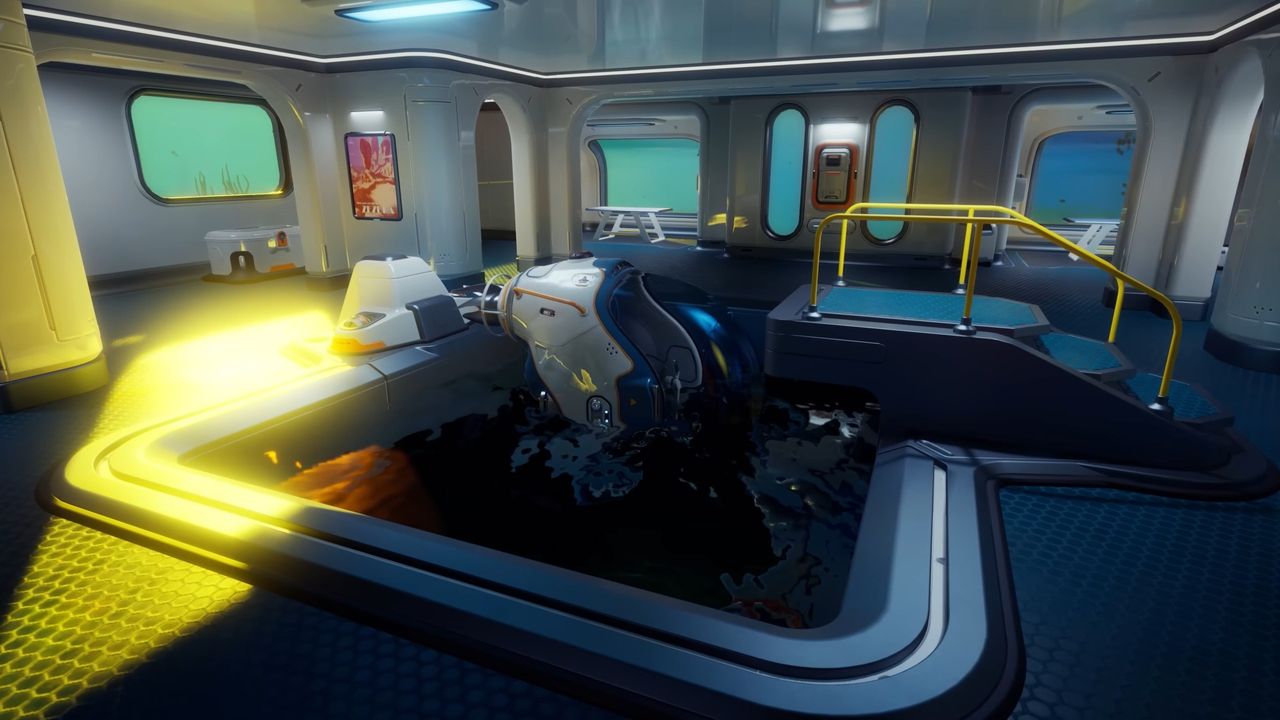
While survival crafting games often make base construction straightforward, Subnautica 2 requires a specific approach. You cannot simply start building immediately; you must first unlock the Habitat Builder tool. This essential device allows you to construct your underwater habitat and escape the cramped confines of your initial Life Pod.
To unlock base building, you need to scan two Habitat Builders found in the world. Here is the step-by-step process to get your tools ready and locate these devices.
Crafting Your First Scanner
Before you can locate the necessary blueprints, you need a scanner. Head to the Personal section of the Life Pod fabricator and craft a Scanner using the following materials:
- 2x Titanium
- 2x Quartz
- 1x Basic Battery
If you lack the battery, you can craft it in the Resources section using:
- 2x Copper
- 1x Acidic Raion Pouch
Locating the Habitat Builders
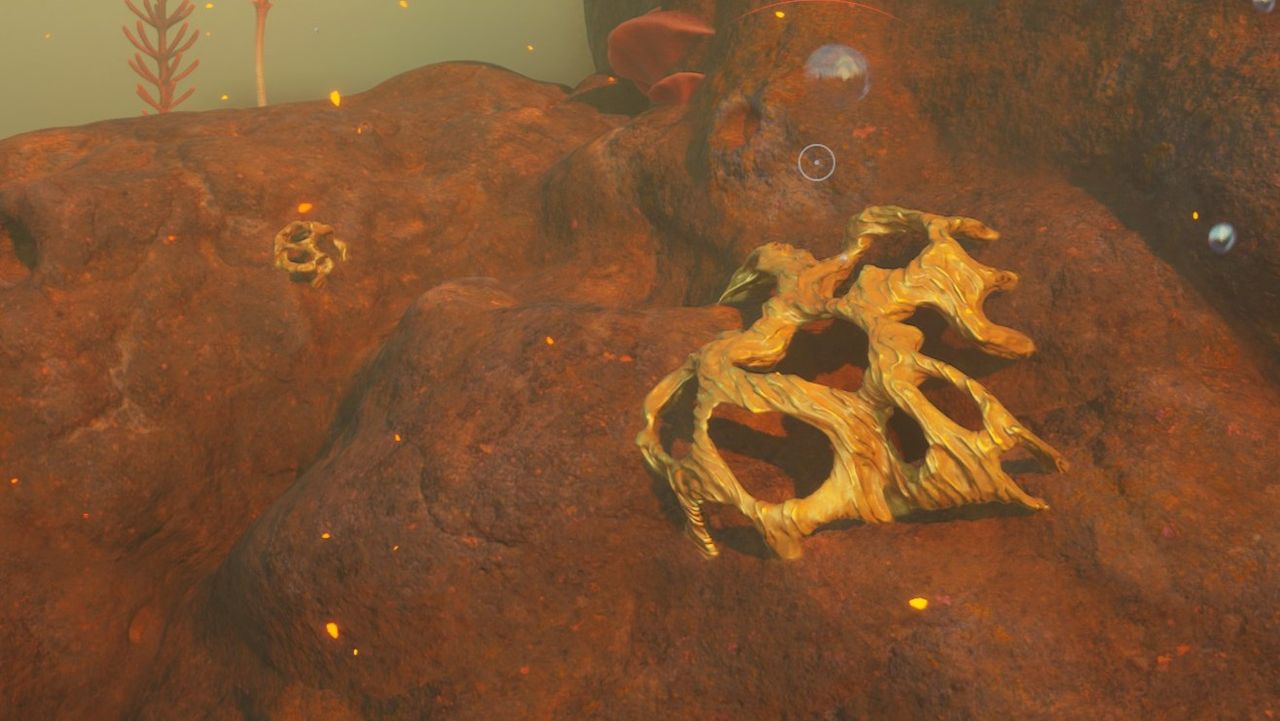
With your scanner ready, make your way to the Welcome Center colony ruin, located just to the southeast of the Life Pod. This area contains the two Habitat Builders you need to scan.
You can find them in two specific spots:
- Entrance Area: Look for an open crate just to the right of the entrance, near the Welcome Center sign.
- Underground Cave: Navigate to the cave below the main building. You will need to salvage the metal blocking a hole in the floor, swim down, and locate a crate at the bottom.
Once you have scanned both devices, the Habitat Builder will be unlocked in your fabricator. Craft it using:
- 2x Titanium
- 1x Glass
- 1x Basic Battery
- 1x Copper Wire
Note: If you are missing copper wire, craft it in the Resources section using two copper pieces.
Pro Tip: Return to the Welcome Center later with a charged battery to unlock additional Biomods.
How to Build Your Base in Subnautica 2
With the Habitat Builder in your inventory, you are ready to construct your base. The foundation of your underwater home will require titanium, quartz, and copper.
Initially, you will only have access to corridors. You must unlock rooms separately as you progress, so choosing the right location is critical. The ideal base site offers space for future expansion and is close to essential resources like titanium, copper, and fibrous pulp.
Strategic Base Placement
Location is key to a sustainable base. It is highly recommended that you build near a natural current—visible currents that pull you in a specific direction when swimming.
- Power Generation: Natural currents allow you to place Hydroelectric Turbines. These provide far more reliable power than Solar Panels, which suffer reduced output at night.
- Connectivity: You will need to connect these turbines to your main base using Power Transmitters.
Building and Managing Structures
Follow these steps to construct your base:
- Open your menu and move the Habitation Builder into your hotbar.
- Select the tool using the corresponding number key (or d-pad on a controller).
- Press Right Click (or LT on a controller) to open the building menu and select the structure you wish to build.
- To remove a structure and refund its components, press Q then Left Mouse Button (or Y then A on a controller).
Monitoring Power and Oxygen
The most critical aspect of base building is ensuring a constant power supply. You must place Solar Panels on the roof of your base to generate the electricity needed for life support and oxygen production.
You can monitor your base’s status at any time by getting close to it. The top-left corner of your screen will display the current power output and draw, allowing you to balance your energy needs effectively.