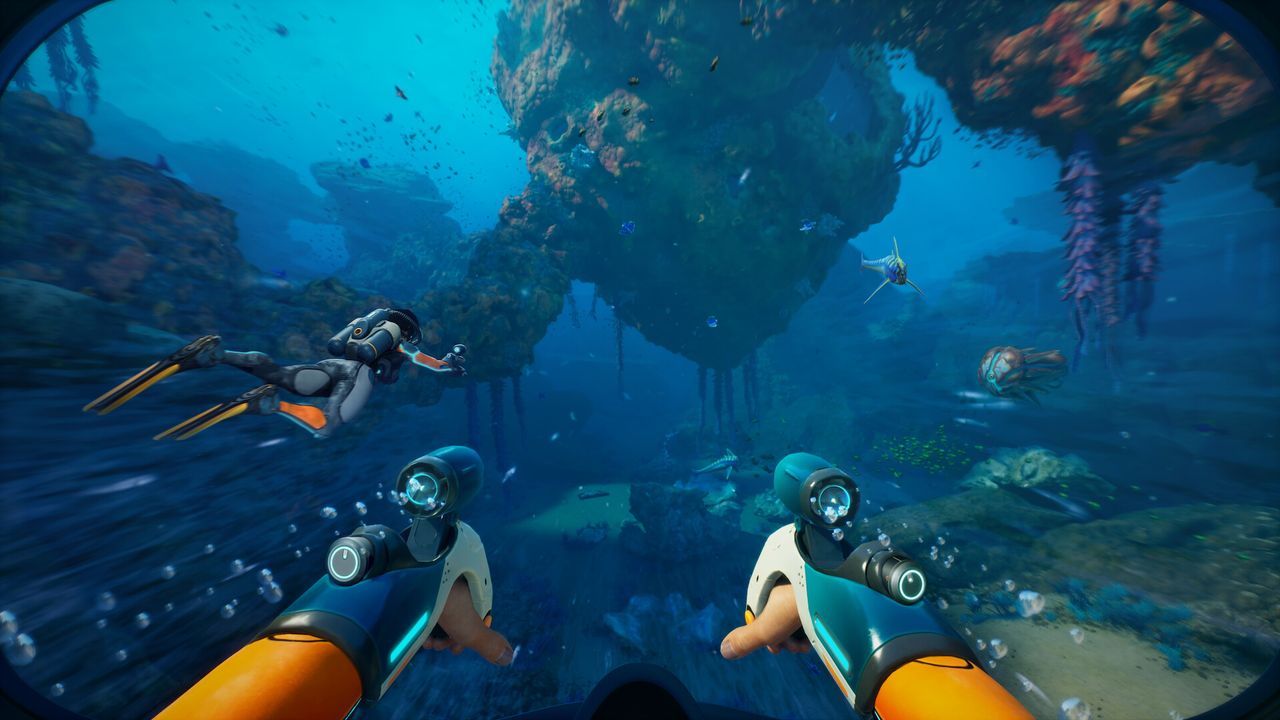
Subnautica 2 has just launched into early access, and the underwater pressure is already on. Despite the natural trepidation of diving into the deep, the performance landscape is clear: this title is capable of running beautifully, but only if you are willing to tweak the graphics options.
Testing with both an 8GB RTX 5060 Ti and a powerhouse RTX 5080 reveals a critical insight. While the Epic preset delivers stunning visuals, it often results in crunchy, stuttering frames. However, dropping just five key settings from Epic to High unlocks a massive frame rate boost across both resolution tiers.
The Performance Gap: Epic vs. Reality
Before diving into the solution, it is vital to understand the baseline performance issues at maximum settings. The game runs on Unreal Engine 5, leveraging its Lumen dynamic lighting and reflection technology. While this creates a breathtaking aquatic environment, it comes with a heavy performance tax that is not immediately obvious in the settings menu.
Notably, there are some significant omissions in the current configuration:
- No FSR Support: AMD GPU owners must rely on TSR (Temporal Super Resolution) for upscaling, with FSR support expected in a future update.
- DLSS Exclusivity: Nvidia users can enable DLSS Frame Generation, but this option is locked out for AMD and Intel users.
- Hidden Lumen Controls: You cannot toggle Lumen on or off directly. Instead, you must manage performance through its related sub-settings.
Baseline Performance at Epic Settings
When running at Epic settings with Quality upscaling enabled, the performance disparity between cards becomes stark, particularly in the early game areas.
At 1080p:
- RTX 5060 Ti (8GB): 60 Average FPS, but only 36 1% Low FPS.
- RTX 5080: 102 Average FPS, with 61 1% Low FPS.
At 1440p:
- RTX 5060 Ti (8GB): 43 Average FPS, dropping to 22 1% Low FPS.
- RTX 5080: 78 Average FPS, with 53 1% Low FPS.
As the data shows, the RTX 5060 Ti struggles significantly with maxed-out settings. While the 60 fps average at 1080p looks decent on paper, the low 1% lows indicate frequent stuttering. For a game centered on immersion, this is the opposite of smooth sailing. Even the RTX 5080, a $1,000+ 4K-capable card, only manages 78 fps average at 1440p. For a GPU of this caliber, expecting more frames at 1440p is reasonable, especially with frame generation turned off during this baseline test.
The Fix: Five Settings to Lower
The good news is that you do not need to sacrifice all visual fidelity to gain performance. By switching five specific settings from Epic to High, you retain most of the image quality while unlocking a massive difference in frame rates.
The Critical Settings Adjustments
To optimize Subnautica 2 for better performance, locate these five options in your graphics menu and drop them one notch down:
- Global Illumination
- Shadows
- View Distance
- Shading
- Effects
Keep everything else at Epic. This "mix and match" approach targets the most taxing aspects of the Lumen engine without flattening the world's visual depth.
The Performance Gains
The results of this minor tweak are substantial. By keeping Global Illumination, Shadows, View Distance, Shading, and Effects on High, both GPUs see significant improvements in both average and minimum frame rates.
For the RTX 5060 Ti (8GB):
- 1080p: Gains a massive 29 fps.
- 1440p: Gains an even larger 33 fps.
For the RTX 5080:
- 1080p: Gains 30 fps.
- 1440p: Gains 29 fps.
This optimization transforms the experience from a stuttering slideshow into a fluid dive. For the RTX 5060 Ti, this change is essential to achieve playable 1% lows. For the RTX 5080, it ensures that your high-end hardware is actually delivering the performance you paid for, rather than choking on the default Epic preset.
Conclusion
Subnautica 2 is a technical marvel, but its default Epic preset is overly aggressive. Whether you are playing on an 8GB RTX 5060 Ti or a flagship RTX 5080, the path to smooth sailing lies in compromise. By turning down those five key settings, you secure a frame rate boost that makes the deep blue ocean far more enjoyable to explore.