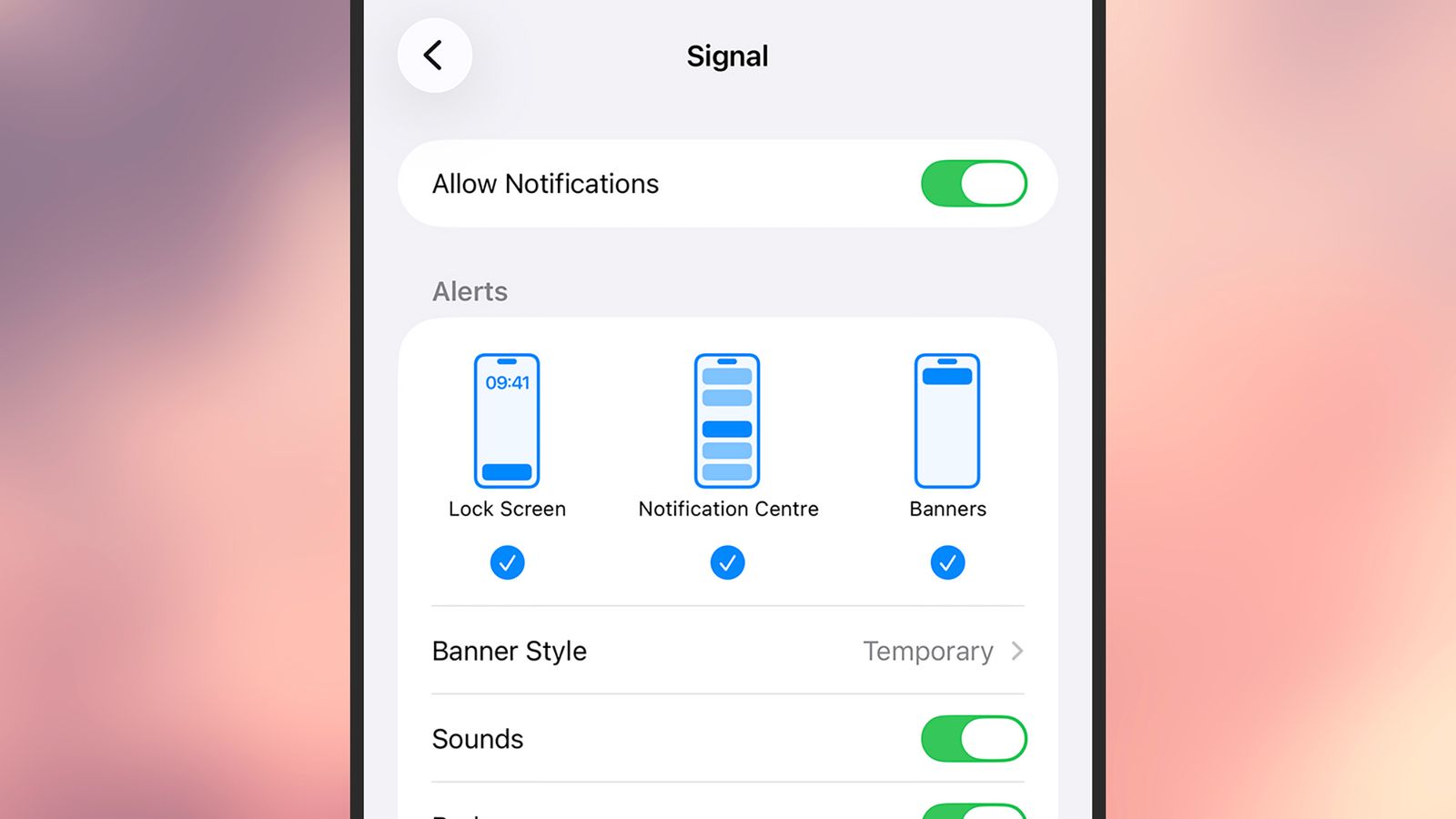
A single forensic extraction by the FBI recently demonstrated that phone notifications can reveal much more than users realize. Deleting an encrypted messaging app like Signal does not necessarily erase the digital footprints left behind in a device's notification database.
While users often rely on disappearing messages and application uninstallation to maintain privacy, these actions only target the primary data stores of the application itself. The metadata and message previews residing within the operating system's notification logs remain untouched. This creates a secondary, unprotected record of incoming communications that can be recovered even after the source app is gone.
The Vulnerability of Notification Databases
The core of this security breach lies in how mobile operating systems handle incoming alerts to ensure a seamless user experience. When a message arrives, the OS creates a temporary entry in a local database to facilitate the pop-up notification on the lock screen.
Even if Signal is removed from the device, the iOS notification database may still contain the text of those intercepted messages until the log is overwritten or cleared by a system maintenance task. This lingering data represents a significant gap in mobile security.
Forensic specialists often target devices in an After First Unlock (AFU) state, where encryption keys for most user data have already been loaded into memory. In this state, specialized software can bypass standard application-level protections to scrape accessible databases.
While Apple has addressed some of these concerns with recent updates, such as iOS 26.4.2, which improves the cleanup of expired notification logs, the fundamental risk remains for any device that stays powered on and unlocked for extended periods. The distinction between Before First Unlock (BFU) and AFU is critical for high-risk users. A device in a BFU state—immediately after a reboot—is significantly more difficult to penetrate because the file system remains largely encrypted.
How to Lock Down Your Phone Notifications
Securing a device requires more than just trusting an app's built-in privacy features; it necessitates a system-wide approach. Relying solely on the encryption provided by services like Signal or WhatsApp is insufficient if the operating system itself is configured to leak content through visual previews.
To minimize the risk of sensitive information being logged in your phone notifications, users should implement the following configuration changes:
-
Disable Message Previews in Signal: Navigate to your profile settings, select Notifications, and set the "Show" option to hide message contents from the alert window.
-
Restrict WhatsApp Previews: On iOS, adjust the notification settings within the app to ensure that incoming messages do not display text on the lock screen.
-
Configure iOS System Settings: Go to Settings > Notifications, select specific sensitive apps, and set "Show Previews" to "Never."
-
Secure Android Lock Screens: Access Notifications > Notifications on lock screen and select the option to hide or never show sensitive content.
-
Maintain Regular Reboots: Periodically restarting your smartphone forces the device back into a BFU state, effectively re-encrypting the data partitions.
The Limits of Individual Security
Privacy is an inherently collaborative effort. While an individual can take every possible precaution to hide their incoming messages, they remain vulnerable to the security habits of their contacts.
If a sender's device is compromised or if their notification settings are improperly configured, the "secure" side of the conversation is effectively nullified. As forensic capabilities continue to evolve, the gap between perceived privacy and actual data exposure will likely widen.
True digital sovereignty requires moving beyond the assumption that end-to-end encryption covers every facet of a communication. The battle for privacy is no longer just about securing the message in transit; it is about securing the residual traces left on the very hardware used to read them.